
User's Manual Part 2




Adding and Editing VPN Sites using Safe@Office 110 and 225
Chapter 10: Working With VPNs 219
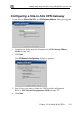
Configuring a Site-to-Site VPN Gateway
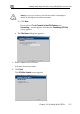
appears. If you selected Site to Site VPN, the VPN Gateway Address dialog box
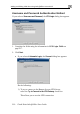
1. Complete the fields using the information in VPN Gateway Addre
Fields on pa
ss
ge 226.
2. Click Next.
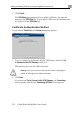
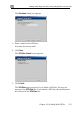
guration dialog box appears. The VPN Network Confi
3. Specify how you want to obtain the VPN network configuration.
Refer to VPN Network Configuration Fields on page 215.
4. Click Next.