
User's Manual Part 2



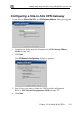

Adding and Editing VPN Sites using Safe@Office 110 and 225
218 Check Point Safe@Office User Guide
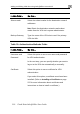
In this field… Do this…
Autom i ce
.
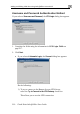
t then fill in the Username and Password fields.
s all the computers on your
ant access to the VPN site.
For further information on Automatic and Manual
Login, see Logging on to a VPN Site on page 233.
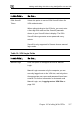
at c Login Click this option to enable the Safe@Office applian
to log on to the VPN site automatically
You mus
Automatic Login provide
internal network with const
U to the
Pass
VPN site.
sername Type the user name to be used for logging on
VPN site.
word Type the password to be used for logging on to the