
User's Manual Part 2







Backing Up the Safe@Office Appliance Configuration
Chapter 12: Maintenance 275
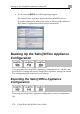
The Tools page appears.
To export the Safe@Office appliance configuration
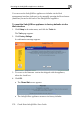
1. Click Setup in the main menu, and click the Tools tab.
2. Click Export.
A standard File Download dialog box appears.
3. Click Save.
The Save As dialog box appears.
4. Browse to a destination directory of your choice.
5. Type a name for the configuration file and click Save.
The *.cfg configuration file is created and saved to the specified
directory.