
User's Manual Part 1





About This Guide
24 Check Point Safe@Office User Guide
A
n
tton names.
bout This Guide
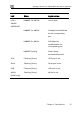
To make finding information in this manual easier, some types of informatio
are marked with special symbols or formatting.
Boldface type is used for command and bu
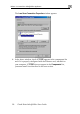
Note: Notes are denoted by indented text and preceded by the Note
icon.
Warning: Warnings are denoted by indented text and preceded b
Warning icon.
y the
ts
lar
, that product is crossed out. For example, the product bar below
nnot
erform this task with Safe@Office 105.
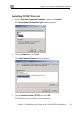
Each task is marked with a product bar indicating the Safe@Office produc
required to perform the task. If you cannot perform the task using a particu
product
indicates a task that requires Safe@Office 110, 225, or 225U. You ca
p
Contacting Technical Support
If there is a problem with your Safe@Office appliance, surf to
http://www.sofaware.com/support and fill out a technical support request
form.
You can also download the latest version of this guide from the site.