Using Static Routes
138 Check Point Safe@Office User Guide
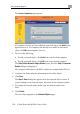
The Static Routes page appears, with a listing of existing static routes.
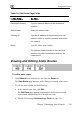
2. Click New Route.
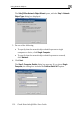
The Edit Route page appears.
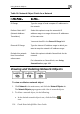
3. Complete the fields using the information in the table below.
4.
Click Apply.
The new static route is saved.