
Server User Manual
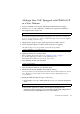
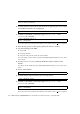
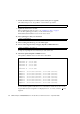
Table Of Contents
- SPARC® Enterprise M8000/M9000 Servers Product Notes
- Contents
- Preface
- General Information about XCP 1072
- Information about Hardware
- Information about Software
- XCP Issues and Workarounds
- Solaris OS Issues and Workarounds
- Software Documentation Updates
- Identifying Degraded Memory in a System
- Identifying Different Memory Sizes in a System Board
- Identifying Permanent Memory in a Target Board
- CPU Upgrade
- Installation Notes
- Adding a New CMU Equipped with SPARC64 VII as a New Domain
- Upgrading an On-CMU SPARC64 VI to SPARC64 VII, or Adding SPARC64 VII to an Existing CMU, to an Existing Domain Configured with SPARC64 VI
- Adding a New CMU Equipped with SPARC64 VII to an Existing Domain Configured with SPARC64 VI
38 SPARC Enterprise M8000/M9000 Servers Product Notes for XCP Version 1072 • September 2008
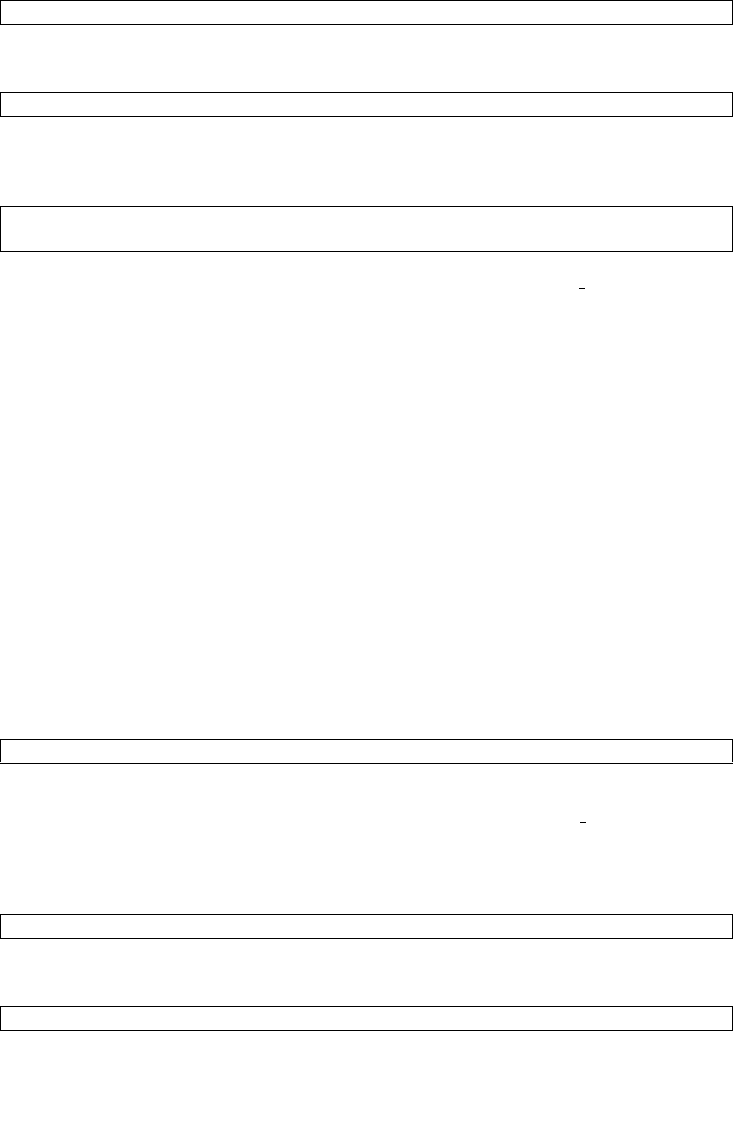
21. Power on the target domains.
22. Confirm that the target domain has been correctly started.
23. Confirm no abnormality occurred by using showlogs error -v and
showstatus(8) commands.
If you encounter any hardware abnormality of the XSCF contact a
service engineer.
Adding a New CMU Equipped with SPARC64 VII
to an Existing Domain Configured with SPARC64
VI
1. When the Solaris OS version is Solaris 10 8/07, upgrade it to Solaris 10 5/08 or
apply the mandatory patches described in “Solaris OS Patch Information” on
page 2.
2. To use SPARC64 VII processors, apply the relevant patches to the software in use,
if necessary.
3. Log in to the XSCF on an account with platform administrative privileges.
4. Use the showstatus(8) command to confirm that a component in Faulted or
Deconfigured status doesn't exist.
If no failures found, the following message appears: "No failures found in
System Initialization." In case of other messages, contact a
service engineer
before proceeding to the next step.
5. Turn off the power to a domain assigned the CMU of which you add the CPU.
6. Confirm that the target domain stopped.
XSCF> poweron -d domain_id
XSCF> showlogs power
XSCF> showlogs error -v
XSCF> showstatus
XSCF> showstatus
XSCF> poweroff -d domain_id
XSCF> showlogs power