
Server User Manual
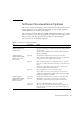
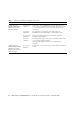
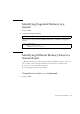
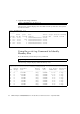
Table Of Contents
- SPARC® Enterprise M8000/M9000 Servers Product Notes
- Contents
- Preface
- General Information about XCP 1072
- Information about Hardware
- Information about Software
- XCP Issues and Workarounds
- Solaris OS Issues and Workarounds
- Software Documentation Updates
- Identifying Degraded Memory in a System
- Identifying Different Memory Sizes in a System Board
- Identifying Permanent Memory in a Target Board
- CPU Upgrade
- Installation Notes
- Adding a New CMU Equipped with SPARC64 VII as a New Domain
- Upgrading an On-CMU SPARC64 VI to SPARC64 VII, or Adding SPARC64 VII to an Existing CMU, to an Existing Domain Configured with SPARC64 VI
- Adding a New CMU Equipped with SPARC64 VII to an Existing Domain Configured with SPARC64 VI
Information about Software 29
Identifying Degraded Memory in a
System
1. Log in to XSCF.
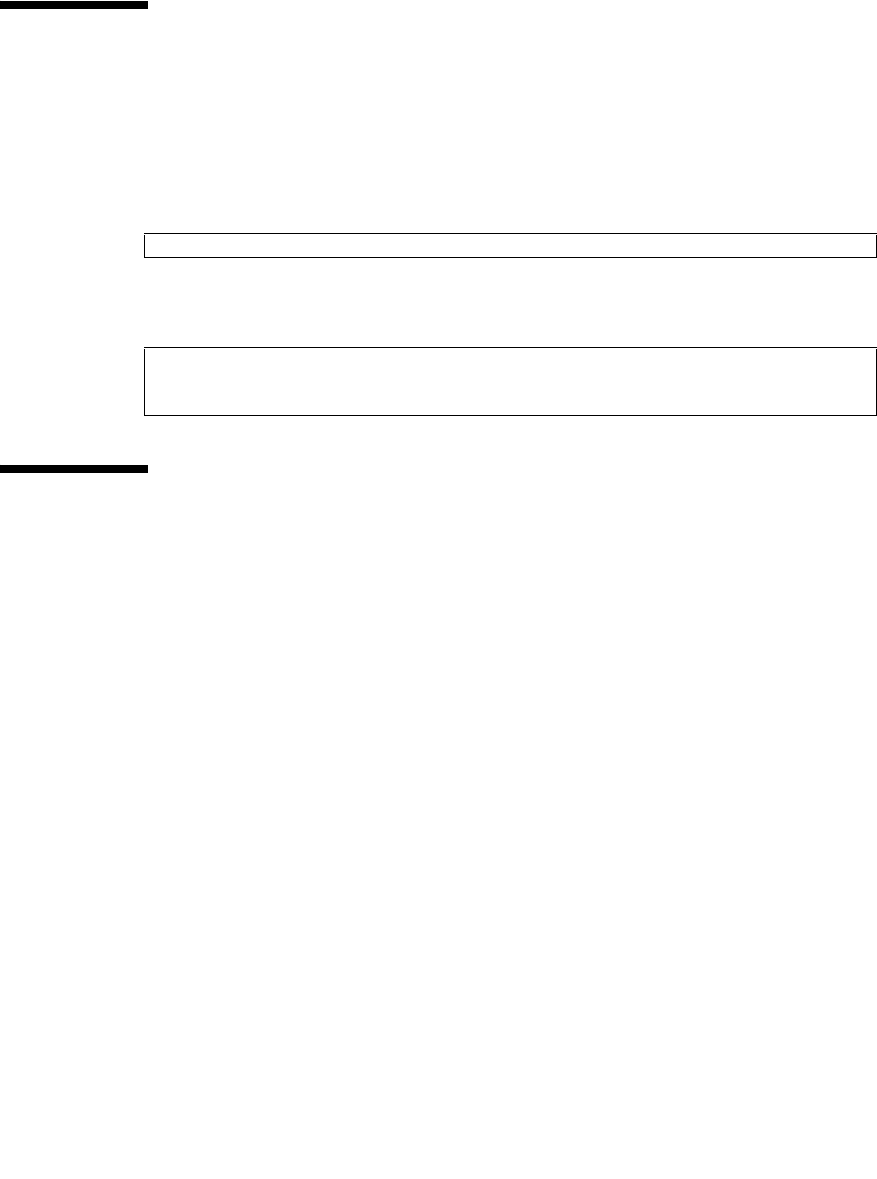
2. Type the following command:
The following example identifies DIMM number 00A on CMU#3 has degraded
memory..
Identifying Different Memory Sizes in a
System Board
To identify if the domain contains system boards with different memory sizes, you
can use either of the following commands to display the list of memory sizes:
■ showdevices(8) command on the XSCF
■ prtdiag(1M) command on the domain
Using the showdevices Command
1. Log in to XSCF.
XSCF> showstatus
XSCF> showstatus
CMU#3 Status:Normal;
* MEM#00A Status:Degraded;