
User's Guide
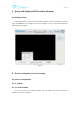
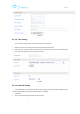
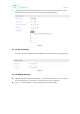
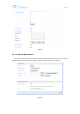
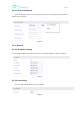
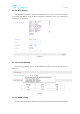
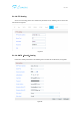
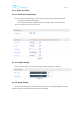
Table Of Contents

用户手册
5.1.1.7. Device information
You can modify device name and check system firmware version, system firmware time and Web UI
firmware here as Figure16.
Figure16
5.1.2. Network
5.1.2.1. IP Address Setting
You can modify IP address of the camera here, there is no default IP address, it is DHCP.as Figure17.
Figure17
5.1.2.2. Port Setting
You can change webpage HTTP port here as Figure18.
Figure18