Printer User's Guide
Manuals
Brands
Sharp Manuals
Printer
AR-C200P
161
162
163
164
165
166
167
168
169
170
Sharp AR-C200P: Maintenance •
161
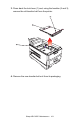
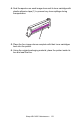
3.
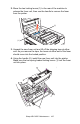
Press back the lock lever (1) and, using th
e handles (2 and 3),
remove the old transfer be
lt from the printer
.
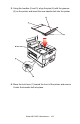
4.
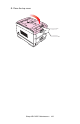
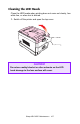
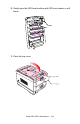
Remove the new transfer belt unit from it
s packagi
ng.
1
...
...
159
160
161
162
163
...
...
193