
User's Manual


Table Of Contents
Media
60
Taking videos
Taking a video
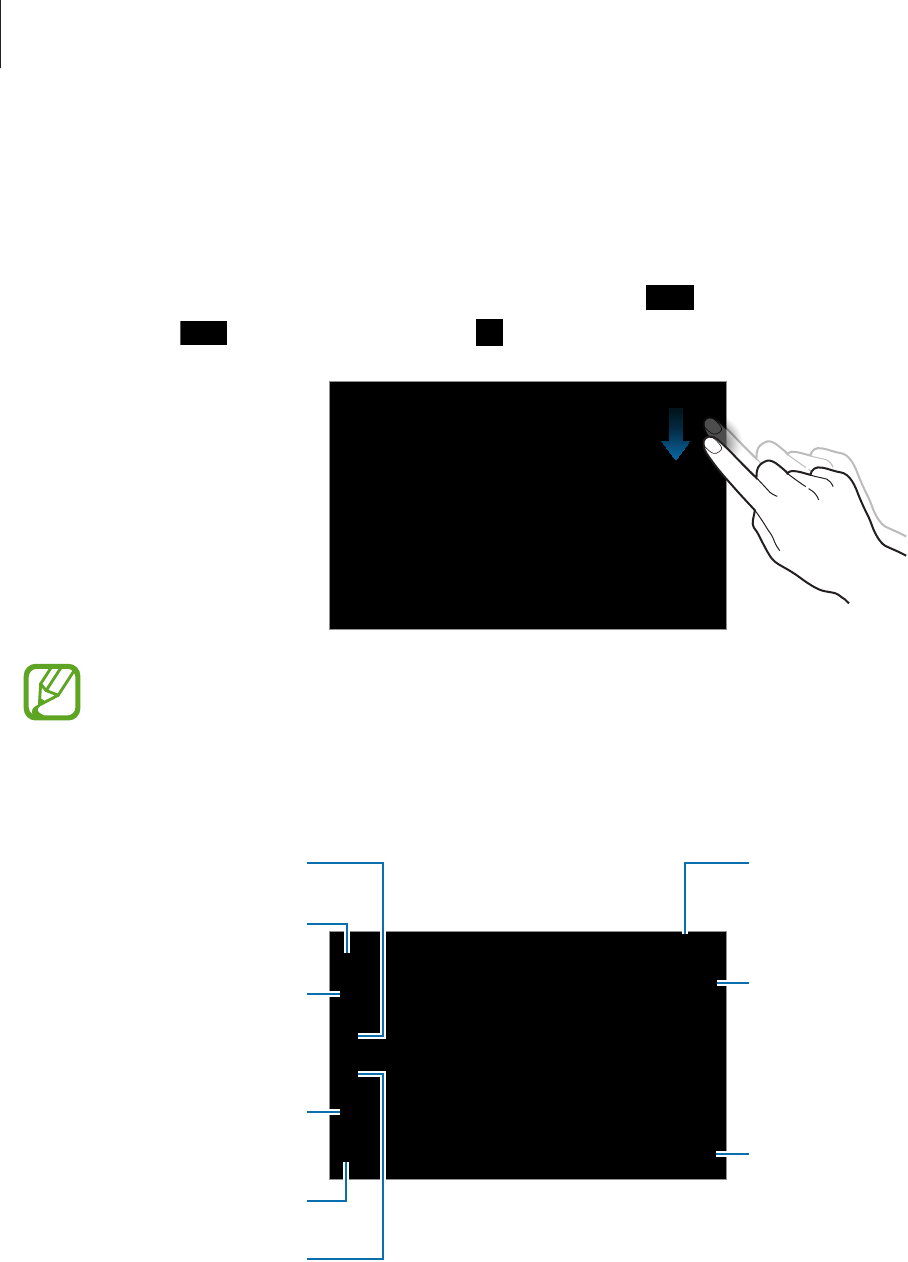
Slide the still-video switch to the video icon, and then tap to take a video. To pause
recording, tap
. To stop recording, tap .
Manual focus is not available in video mode.
Recording mode
Indicates which storage
is in use.
Switch between still
and video mode.
Open the video player
to play videos.
Switch between the
front and rear camera.
Change recording
mode.
Set delayed-time
shots.
Determine how much
light the camera’s
sensor receives.
Change the camera
settings.
Select among various
eects that are
available.