
User manual

BM-6280 User manual
~ 9 ~
Hardware Support – Line 0700 - EASYCARE
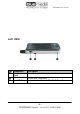
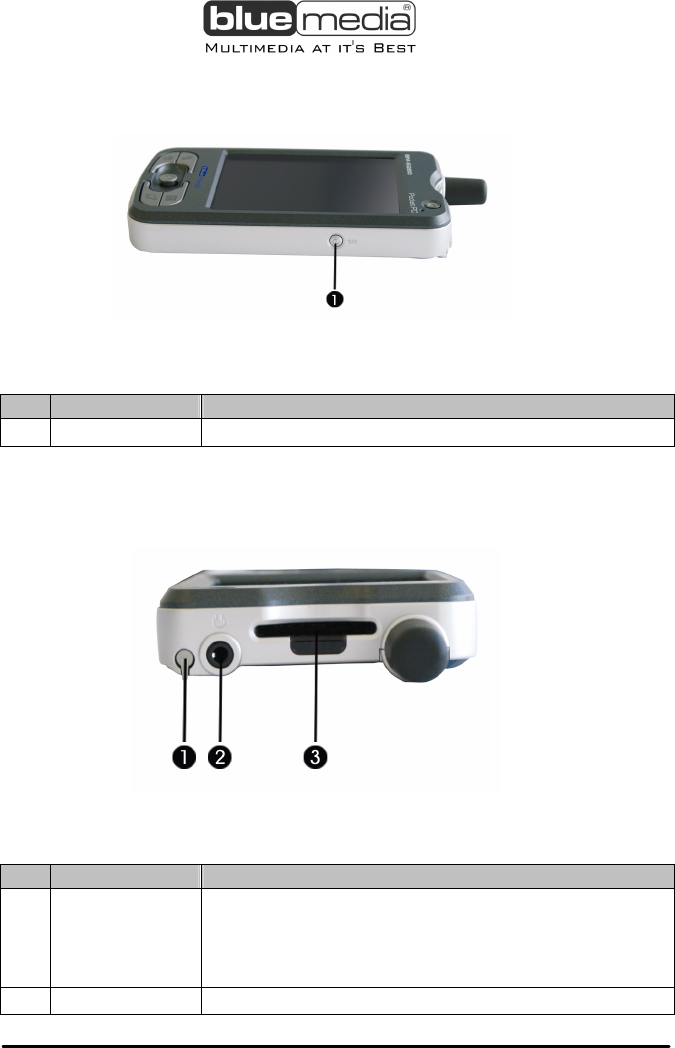
RIGHT VIEW
Description
Ref Component Description
GPS-Button
Turns the GPS function on/off.
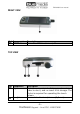
TOP VIEW
<POCKETPC B
Ref Component Description
Stylus
Slide the pen outward of its compartment in
order to use it, and re-insert it for storage
. The
stylus is required for operating the touch
screen.
Headphone
Connects to the headphones (3,5 mm).