
System information


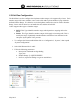
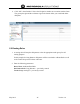
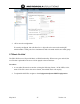
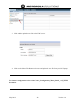

May 2012 41 Version 1.0
5.3 Subscriber Class of Service
1. For each subscriber on the system a default Class of Service 00. There are 11 CoS groups
available in the URC configuration server.
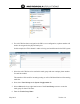
2. Navigate to Subscribers configuration screen.
3. Set the configuration for the Class of Service to Class00.
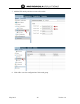
4. Next select the Subscribers/Service Class/Class of Service.
5. Select the Class00 and enable the appropriate CoS features that you want to enable for the
subscribers.