
System information


May 2012 38 Version 1.0
5.0 TEAM URC PBX Configuration
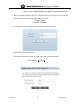
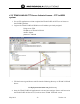
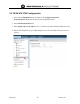
1. First setup the Dispatch Server. Navigate to the Configuration/System
Settings/Dispatch Server tab on the left side configuration menu.
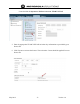
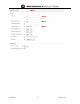
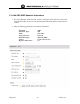
2. Select Enable Dispatch Server
3. Enter Dispatch Server IP Address: 10.1.1.20 in this case (IP of TEAM VoWLAN server)
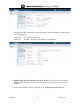
4. Reboot TEAM URC Server to enable Dispatch server from TEAM VoWLAN server to
operate