
System information


May 2012 35 Version 1.0
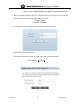
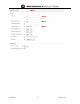
7. Navigate to the WLAN Handsets screen on the menu. Enter the following parameters for
initial configuration:
Time Zone: set to your local timezone
PBX Type: “No PBX” (when using TEAM URC internal PBX)
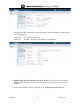
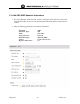
8. Add TEAM VoWLAN Subscribers for PTT services. This will be done for wireless
handsets that require PTT services for each subscriber. This will not be applied for IP
desksets.
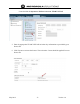
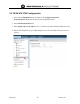
9. In the TEAM VoWLAN webUI, Navigate to the Configuration/Subscribers tab