
User manual


ROUTE 66 Mobile 8 Chicago 8000 - User Manual
88
Show Favourites
Sometimes, there are too many elements displayed on the map, so the
navigation screen is too crowded. However, because you have full control
over the content of the map, you can display or hide your favourite
locations.
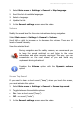
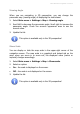
1. Select Main menu > Settings > Map > Show favourites.
2. Select:
On – your favourites are displayed on the map.
Off – your favourites are not visible on the map.
3. Update the list.
Show Points-of-Interest
Sometimes, there are too many elements displayed on the map, so the
navigation screen seems too crowded. However, because you have full
control over the content of the map, you can display or hide some or all
points-of-interest.
If you want to see on the map only a category of locations, select that
category.
If you want to see on the map all points-of-interest, select All
categories.
If you don’t want to see points-of-interest on the map, deselect All
categories.
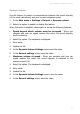
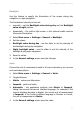
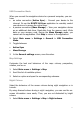
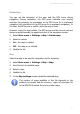
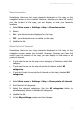
1. Select Main menu > Settings > Map > Show points-of-interest.
2. Scroll the list of categories.
3. Select the relevant categories. Use the All categories button to
simultaneously select or deselect all categories.
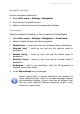
4. Update the list.
5. In the Map settings screen save the changes.