
User manual

ROUTE 66 Mobile 8 Chicago 8000 - User Manual
42
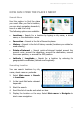
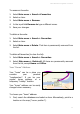
Show on Map
When you are in a list, select an
item and select Main menu >
Show on map to view that
location on the map. The location is
displayed in the centre of the
screen.
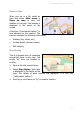
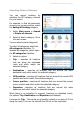
A text box (“information balloon”) is
also attached to the location. The
text box contains the following information:
Address (city, street, etc.)
Contact details (phone number)
POI category
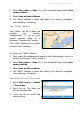
Map Display
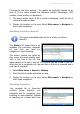
This is a dynamic way of visualizing
several list items on the map. You
simply “fly” from one location to
another.
1. Open a list with several items.
2. Select Map display. Each item
is displayed in the centre of the
map. The details of each location are displayed in a text box
(“information balloon”).
3. Scroll up or scroll down to “fly” to another location.