
User manual
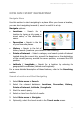
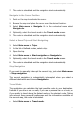
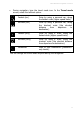
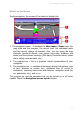
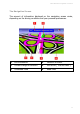
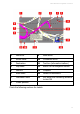
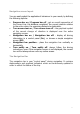

ROUTE 66 Mobile 8 Chicago 8000 - User Manual
30
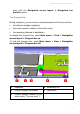
Tap the progress bar if you want to display the Route description
screen.
For a more detailed description of the current navigation,
display both the progress bar and the navigation bar!
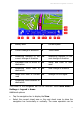
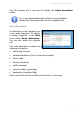
Route Description
An alternative to the navigation bar
is the route description. To display
it during navigation, in the View
menu select Route description.
You can also select the progress
bar.
The route description contains the
following information:
total length of route
estimated duration of trip (in hours and minutes)
travel mode
driving instructions
traffic messages
current position (green flag)
destination (chequered flag)
Pick an item from the list and then show that turn on the map.