
User manual



ROUTE 66 Mobile 8 Chicago 8000 - User Manual
18
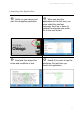
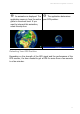
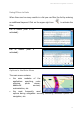
Options When the Cursor is Enabled
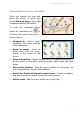
When you browse the map and
select the screen, or when you
choose Show on map, a cursor
is displayed above that location.
To open the contextual menu,
select the contextual icon in
the lower left corner of the screen.
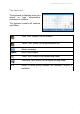
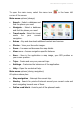
Cursor options:
Navigate to - Start a (new)
navigation. The cursor position
is the destination.
Zoom to cursor - Zoom to
street level, with the cursor
placed in the centre of the
screen.
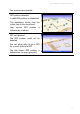
Show information - Display the text box (“the balloon information”)
for any point on the map, including streets, water areas and land
areas.
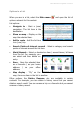
Save cursor position - Save the cursor position as a favourite / as
your home address / as your office address.
Search for Points-of-interest around cursor – Select a category
and search points-of-interest around the cursor position.
Add to route - Add the cursor position to a (new) trip.