
User manual



ROUTE 66 Mobile 8 Chicago 8000 - User Manual
16
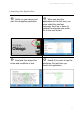
Using Filters in Lists
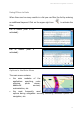
When there are too many results in a list you can filter the list by entering
an additional keyword. Click on the upper-right icon to activate the
filter.
List of results (filter is not
activated).
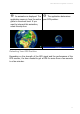
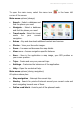
List of results (filter is
activated).
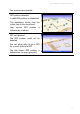
Options in the Main Menu
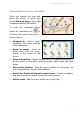
The main menu contains:
the main modules of the
application: searching, route
planning, photo viewer,
additional services,
customization, etc.
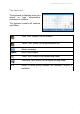
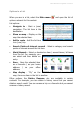
the most frequently used
options during navigation: zooming, activating advanced options for
navigation, etc.