
User manual
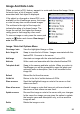

Adding Images And Notes To Features Or POIs
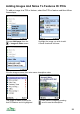
To add an image to a POI or feature, select the POI or feature and then follow
these steps:
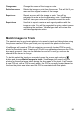
Choose Add image from the Highlight the image you wish to add.
> Images & notes menu. A small thumbnail is shown.
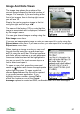
Give the image a name, then enter some descriptive notes.
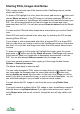
The image is added to the list for You can view the image by pressing
that POI/feature and is highlighted. , scroll to see the description.
99