
User Manual
Table Of Contents
- Logix5000 Controllers I/O and Tag Data
- Summary of changes
- Table of contents
- Preface
- Communicate with I/O modules
- Organize tags
- Force I/O
- Data access control
- Introduction
- External access
- Configure external access
- External access availability
- User-defined type considerations
- Add-on instructions external access considerations
- Tag mapping considerations
- Imported tag behavior
- Constant value tags
- Configure constant tags
- Constant check box availability
- Add-on instructions constant value considerations
- Index
Chapter 1
Communicate with I/O modules
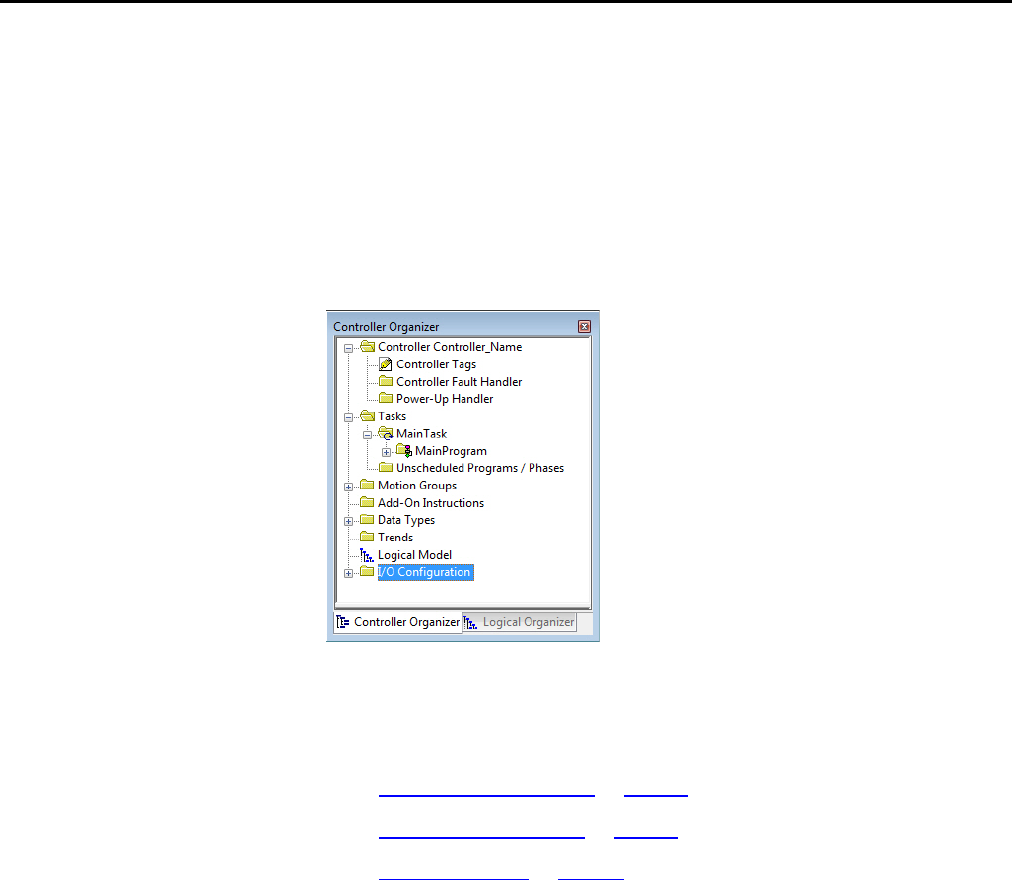
To communicate with an I/O module in your system, you add the module to the
I/O Configuration folder in the Controller Organizer.
When you add the module, you also define a specific configuration for the module.
While the configuration options vary from module to module, these are some
common options that you typically configure:
• Requested packet interval on page 12
• Communication format on page 12
• Electronic Keying on page 15
Introduction
Rock well Automati on Publication 1756- PM004E -EN-P - October 2014 11