
User Manual User guide

48 Rockwell Automation Publication 1738-UM005A-EN-P - July 2013
Chapter 4 Configure the Adapter for Direct Connection in RSLogix 5000 Software
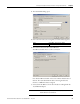
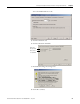
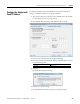
Notice the chassis size in the module has been modified to 5.
9. Click OK to close the dialog.
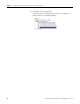
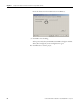
At this point, verify that your PointBus status LED is solid green and that
all the yellow triangles in your I/O configuration are gone.
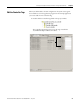
10. Click File>Save to save the project.