
Manual



Netcon (Remote Administration System)
29
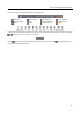
The controls on the toolbar perform functions as described below:
Disconnect Netcon Setup Load Setup File Save Setup File
Batch Job Setup Log Save Favorite Sites Auto Sequence
Save
Print Panic Recording Play
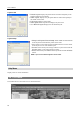
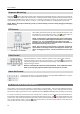
Select the desired screen layout using the layout toolbar. When changing the screen layout, the selected camera on the
current screen will be located in the first cell of the new layout. When in one of the multi-view formats, clicking the
or
button will move to the previous or next page.
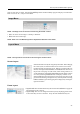
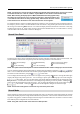
Clicking (Layout Load) will apply the selected frame layout to Netcon, and clicking
(Layout Setup) allows you
to set up the user-defined frame layout.