
Specifications


Table Of Contents
H8SX Family Emulator E6000H
Usage of Realtime RAM Monitoring
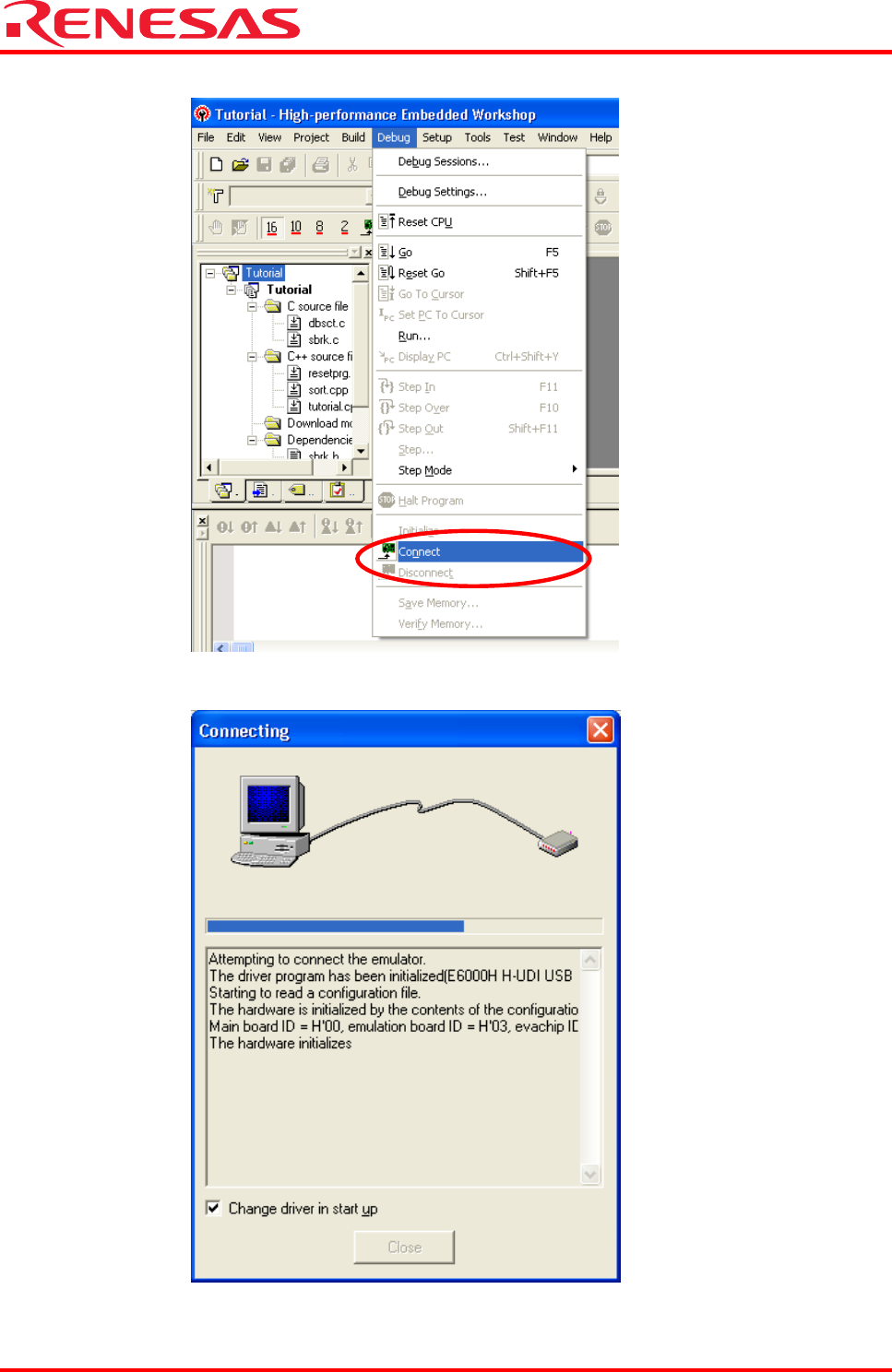
(5) Turn on the E6000H emulator and click [Connect] from the [Debug] menu.
(6) The [Connecting] dialog box is displayed while the E6000H emulator is connected.
The [E6000H Driver Details] dialog box may be shown when connecting the E6000H emulator. In this case, select the
driver in use and click the [Close] button.
REJ06J0024-0100/Rev.1.00 July 2007 Page 13 of 23