
System information
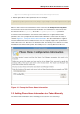
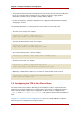
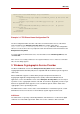
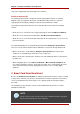

1. Ensure that the Enterprise Security Client is running.
2. Insert an uninitialized smart card, pre-formatted with the Phone Home information for the
TPS and the enrollment interface URL for the user's organization.
The smart card can be added either by placing a USB form factor smart card into a free USB
slot, or by inserting a standard, full-sized smart card into a smart card reader.
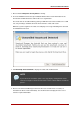
When the system recognizes the smart card, it displays a message indicating it has detected
an uninitialized smart card.
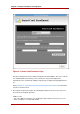
3. Click Enroll My Smart Card Now to display the smart card enrollment form.
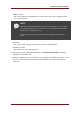
NOTE
If you remove the card at this point, a message displays stating that the smart
card can no longer be detected. Reinsert the card to continue with the enrollment
process.
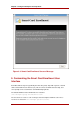
4. Because the Smart Card Manager now knows where the enrollment UI is located (it is
included in the Phone Home information), the enrollment form is displayed for the user to
enter the required information.
Smart Card Auto Enrollment
25