
System information
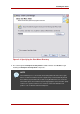
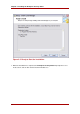
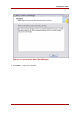
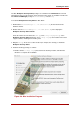
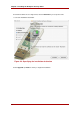
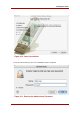
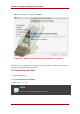
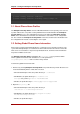

Figure 2.7. Completing the Installation
4.2. Uninstalling the Client
1. Unplug all USB tokens.
2. Stop the Enterprise Security Client.
3. Open the Control Panel, and click the Add Remove Programs icon.
4. In the list of available programs, click Smart Card Manager, and click Change/Remove.
5. When the uninstallation is complete, remove any remaining files in the installation directory.
5. Installing and Uninstalling the Enterprise Security
Client on Mac OS X
5.1. Installing the Client
Chapter 2. Installing the Enterprise Security Client
14