
Specifications
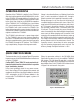
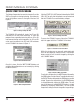
Table Of Contents
5
dc2064af
DEMO MANUAL DC2064A
QUICK START PROCEDURE
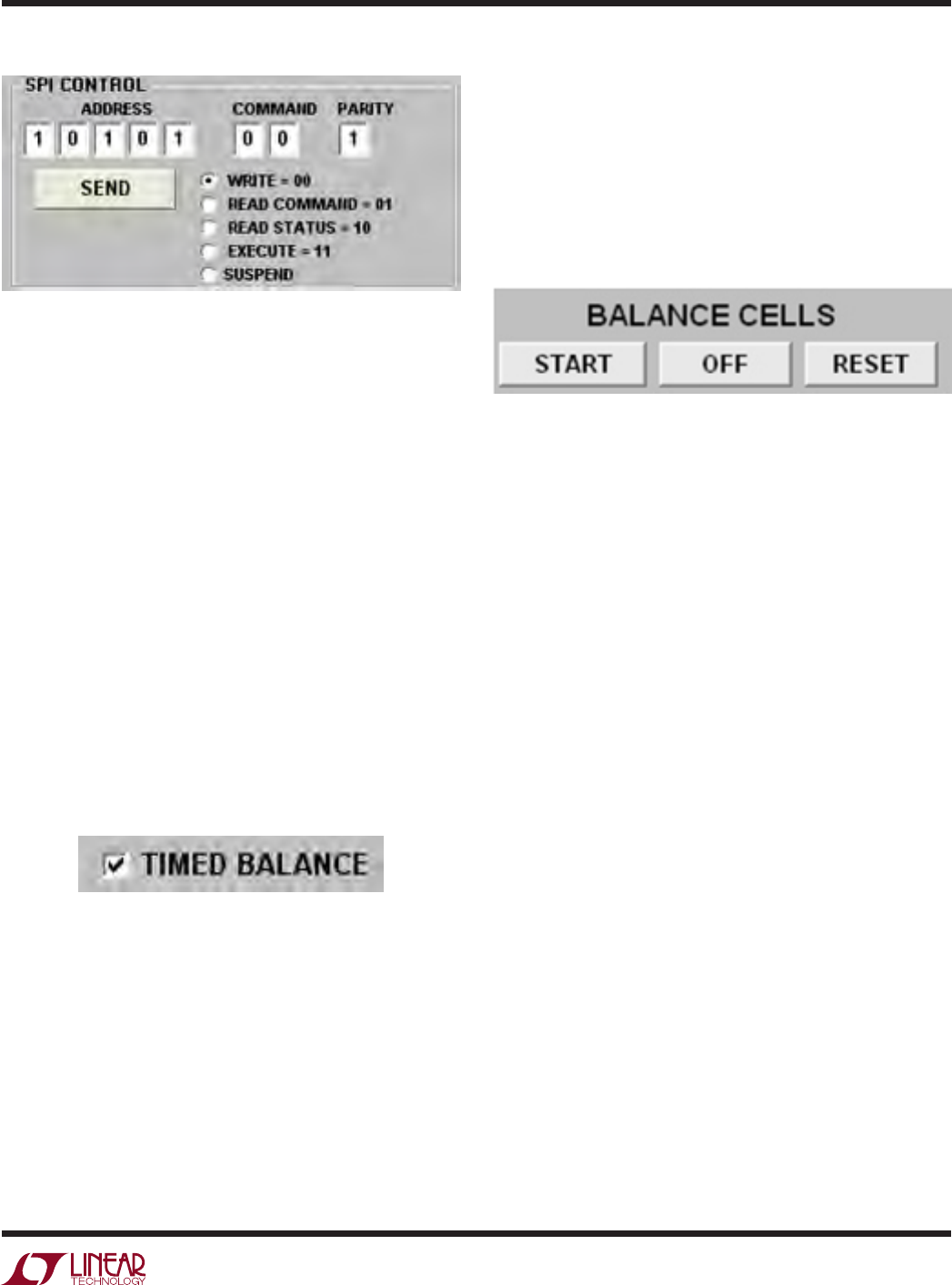
Figure 9. Write/Execute Command Box
To change any of the settings “on the fly”, a new charge/
discharge setting is entered using the respective CHARGE
and DISCHARGE buttons followed by clicking the WRITE
button followed by the SEND button and then the EXECUTE
button followed by the SEND button. To disable any cell
from operating, the cell’s NONE button must be clicked
in the balance mode box
followed by clicking the WRITE
button followed by the SEND button and then the EXECUTE
button followed by the SEND button.
The LTC3300-1 GUI allows the user to program the bal-
ancer to charge or discharge each cell for a specific amount
of time. The LTC3300-1 is a power stage control IC. The
determination of the balancing times and directions are
done at the System level
and conveyed to the LTC3300-1
through its SPI communications port. In order to perform
a timed balance, the TIMED BALANCE check shown in
Figure 10 must be selected to have access to the timed
balance controls as shown in Figure 25.
Figure 10. TIMED BALANCE Check Box
To do this, select the DISCHARGE or CHARGE button for
the desired cell, then enter the time in seconds into the
cells “BALANCE TIME” text box. Press the enter key on
the key board or select another button in the GUI to load
the time. When all the desired balance actions and times
have been entered, select the “Balance Cells” START but-
ton
to start the balancing sequence.
Figure 11. Balance Cells Start Box
The START button will display PAUSE. The balancing
algorithm will first turn off all cells, then set all cells to
be balanced. The cells will run until the first cell(s) have
elapsed their balance time. At this time all cell balancing is
suspended, the completed cell’s balancing action is set to
“None”, the remaining times to balance are recalculated,
then
the remaining cells continue to balance until the next
cell(s) have completed. This sequence continues until all
of the balance times have elapsed.
Selecting the PAUSE button while the balancer is running,
will shut off the active cell and pause the timer. The START
button now displays CONTINUE. Selecting the CONTINUE
button again will start the active cell balancing and continue
the timer. After the last
cell has completed balancing, all
the cells are turned off. The START button will again display
START. Selecting the RESET button will reset all the cell
actions and times to the previous entered settings.
The LTC3300 STATUS window displays the status of all
LTC3300-1 ICs in the system. This GUI is updated every
time the LTC3300-1 status or command registers are read.
When the balancer timer
is running, the command register
is read after each execute command is sent.