
Specifications
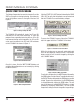
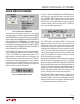
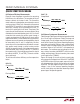
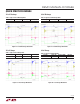
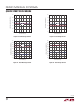
Table Of Contents
4
dc2064af
DEMO MANUAL DC2064A
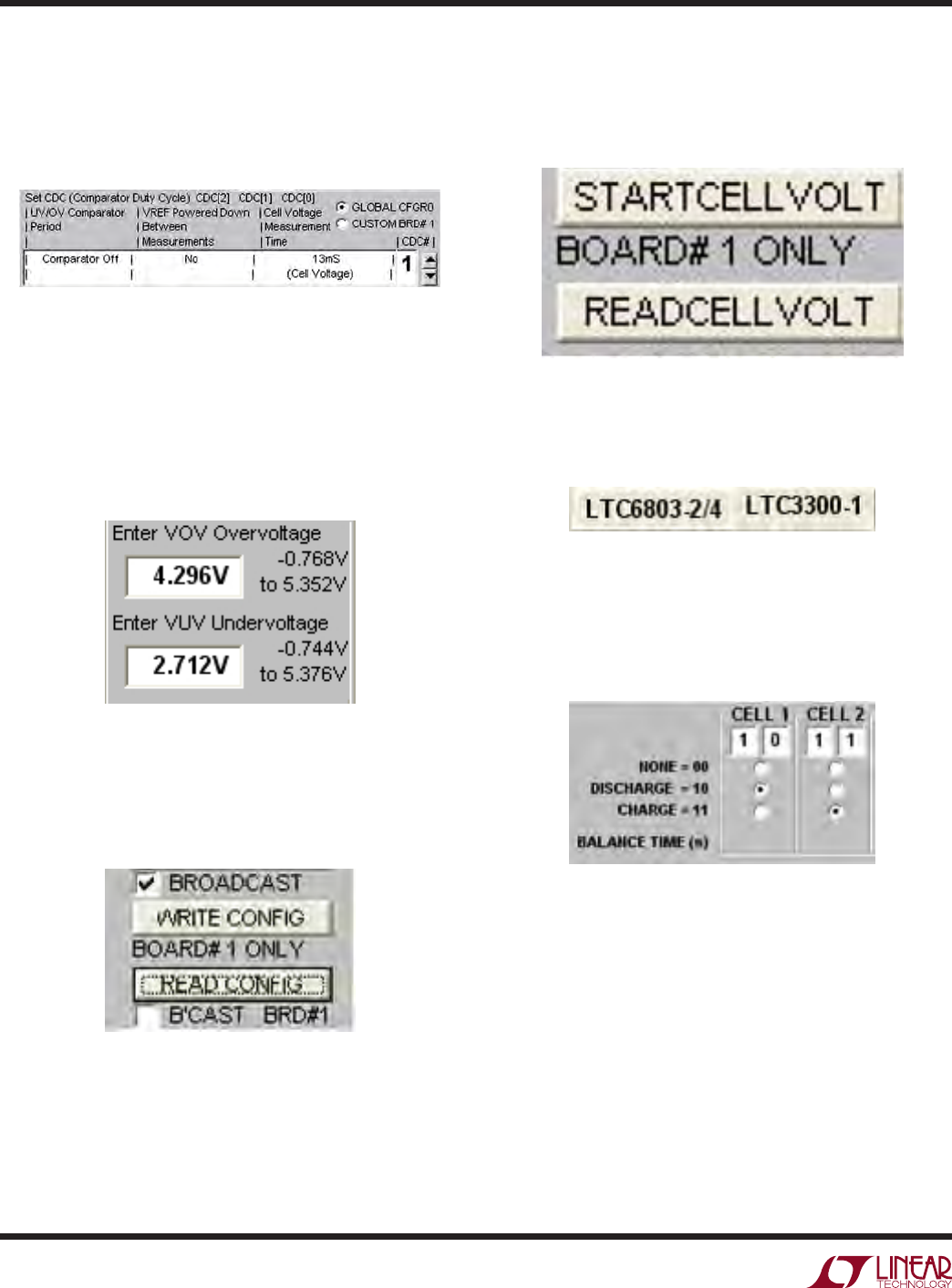
The Voltage Comparator box must be turned off and the
VREF must remain on during balancing. Set window by
using the Up/Down arrows to the right of the box. See
Figure 3.
QUICK START PROCEDURE
Figure 4. VOV and VUV text boxes
Figure 5. Write Configuration Box
Figure 3. Voltage Comparator Box
The DC2064A GUI periodically checks for OV and UV
measured on the cells when balancing. To avoid the
program from suspending balancing from an OV or UV
measurement during normal operation, the OV and UV
values must be entered in the VOV and VUV text boxes
on the LTC6803-2 tab shown in Figure 4.
Once this is done, Click the WRITE CONFIG button and
verify that the configuration was set correctly by clicking
the READ CONFIG.
Click the START CELL VOLT button followed by the READ
CELL VOLT to verify that the batteries are connected and
that the LTC6803-2 can read the battery voltages.
Figure 6. Start Cell Voltage Read Box
To access the LTC3300-1 screen, click on the LTC3300-1
tab in the upper left of the LTC6803-2 GUI window.
Figure 7. LTC3300-1 Screen Select Box
Within this window you can manually select which cells
are to be discharged by clicking the cell’s DISCHARGE
button and which cells are to be charged by clicking the
cell’s CHARGE button.
Figure 8. Balance Mode Select Boxs
To write this configuration, the WRITE button followed by
the SEND button must be clicked. To enable the balancers,
the EXECUTE button followed by the SEND button must be
clicked. To pause the cell balancers, the SUSPEND button
is clicked followed by clicking the SEND button. This will
turn off all balancers until the EXECUTE button is clicked
followed by clicking the SEND
button. This will resume
the previous settings of the cell charge/discharge settings.