
AUDIO/VIDEO RECEIVER User's Guide


Table Of Contents
- Table of Contents
- First Things First
- Operating the Receiver
- Tour of the Receiver
- Programming the Remote
- Programming the Universal Remote
- Programming the Universal Remote to Control a TV
- Programming the Universal Remote to Control a VCR
- Programming the Universal Remote to Control An Audio Component
- Programming the Universal Remote to Control a Cable Box
- Programming the Universal Remote to Control a Laserdisc Player
- Programming the Remote to Control an RCA DSS® Receiver
- Programming the Universal Remote to Control a Satellite
- Programming the AUX Button on the Remote
- Appendix A: Connecting Your Receiver
- Things to Know Before Connecting the Components
- Using the Subwoofer Connections
- Connecting a TV and VCR
- Connecting an RCA DSS® Receiver
- Connecting a Laserdisc Player
- Connecting a Second VCR
- Connecting a Camcorder or Video Camera
- Connecting a Compact Disc Player
- Connecting a Tape Deck or Minidisc Player
- Connecting Antennas
- Connecting Speakers
- Main Speakers
- Rear Speakers
- Center Speaker
- Connecting Speakers to the Receiver
- Connecting The Subwoofer
- Appendix B: Speaker Placement
- Appendix C: Troubleshooting Guide
- Appendix D: Care and Cleaning
- Appendix E: FCC Information
- Appendix F: Limited Warranty
- Appendix G: Equipment Specifications
- Appendix H: Preset Station List Form
- Index
46
Appendix A: Connecting the Receiver
FM ANT
AM ANT
300Ω
BAL
AM Loop Antenna
FM Wire Antenna
Antennas
Extend the FM antenna to its full length and adjust it for the
best reception.
After you adjust the AM antenna, place it on a
level surface or attach it to a wall using the holes in the
antenna’s base.
This connection provides
• stereo sound from FM stations
• mono sound from AM stations
To use this connection, you
must have
• (1) FM wire antenna (included)
• (1) AM loop antenna (included)
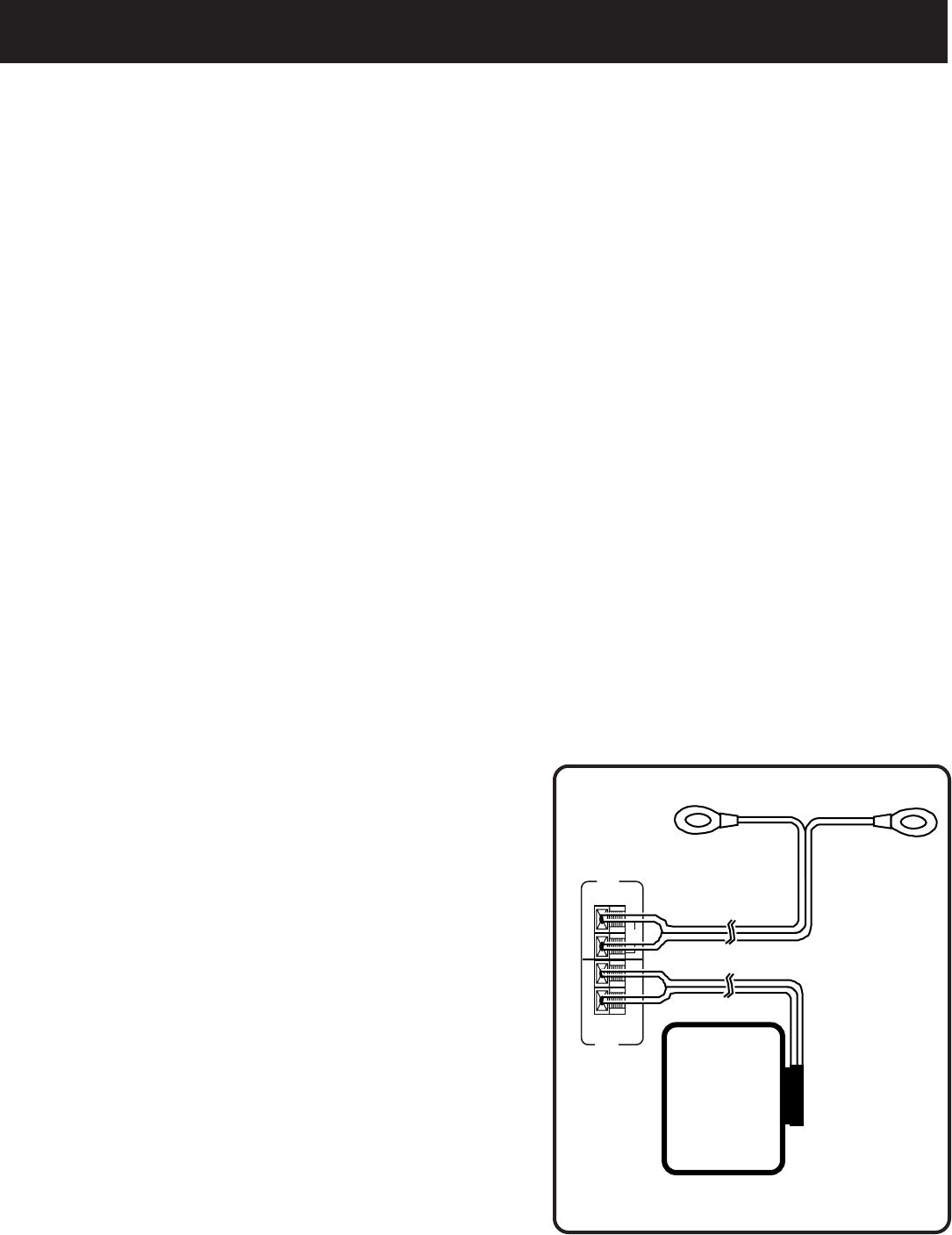
To Connect
1. Connect the cables as shown in the
diagram below.
Using This Connection
To listen to the radio
1. Turn on the receiver.
2. Select a band (AM/FM).
3. Turn to the desired frequency.
4. Adjust the position of the antenna as needed.