
AUDIO/VIDEO RECEIVER User's Guide


Table Of Contents
- Table of Contents
- First Things First
- Operating the Receiver
- Tour of the Receiver
- Programming the Remote
- Programming the Universal Remote
- Programming the Universal Remote to Control a TV
- Programming the Universal Remote to Control a VCR
- Programming the Universal Remote to Control An Audio Component
- Programming the Universal Remote to Control a Cable Box
- Programming the Universal Remote to Control a Laserdisc Player
- Programming the Remote to Control an RCA DSS® Receiver
- Programming the Universal Remote to Control a Satellite
- Programming the AUX Button on the Remote
- Appendix A: Connecting Your Receiver
- Things to Know Before Connecting the Components
- Using the Subwoofer Connections
- Connecting a TV and VCR
- Connecting an RCA DSS® Receiver
- Connecting a Laserdisc Player
- Connecting a Second VCR
- Connecting a Camcorder or Video Camera
- Connecting a Compact Disc Player
- Connecting a Tape Deck or Minidisc Player
- Connecting Antennas
- Connecting Speakers
- Main Speakers
- Rear Speakers
- Center Speaker
- Connecting Speakers to the Receiver
- Connecting The Subwoofer
- Appendix B: Speaker Placement
- Appendix C: Troubleshooting Guide
- Appendix D: Care and Cleaning
- Appendix E: FCC Information
- Appendix F: Limited Warranty
- Appendix G: Equipment Specifications
- Appendix H: Preset Station List Form
- Index
38
Appendix A: Connecting the Receiver
Protect your components |
from overheating
• Do not block ventilation holes in any component.
Arrange the components so that air can circulate freely.
• Do not stack components directly on top of each other.
• Allow adequate ventilation when placing your
components in a stand.
• Place an amplifier on the top shelf of the stand so
heating air rising from it will not flow around
other components. If you have a satellite receiver, you
should place it on the top shelf.
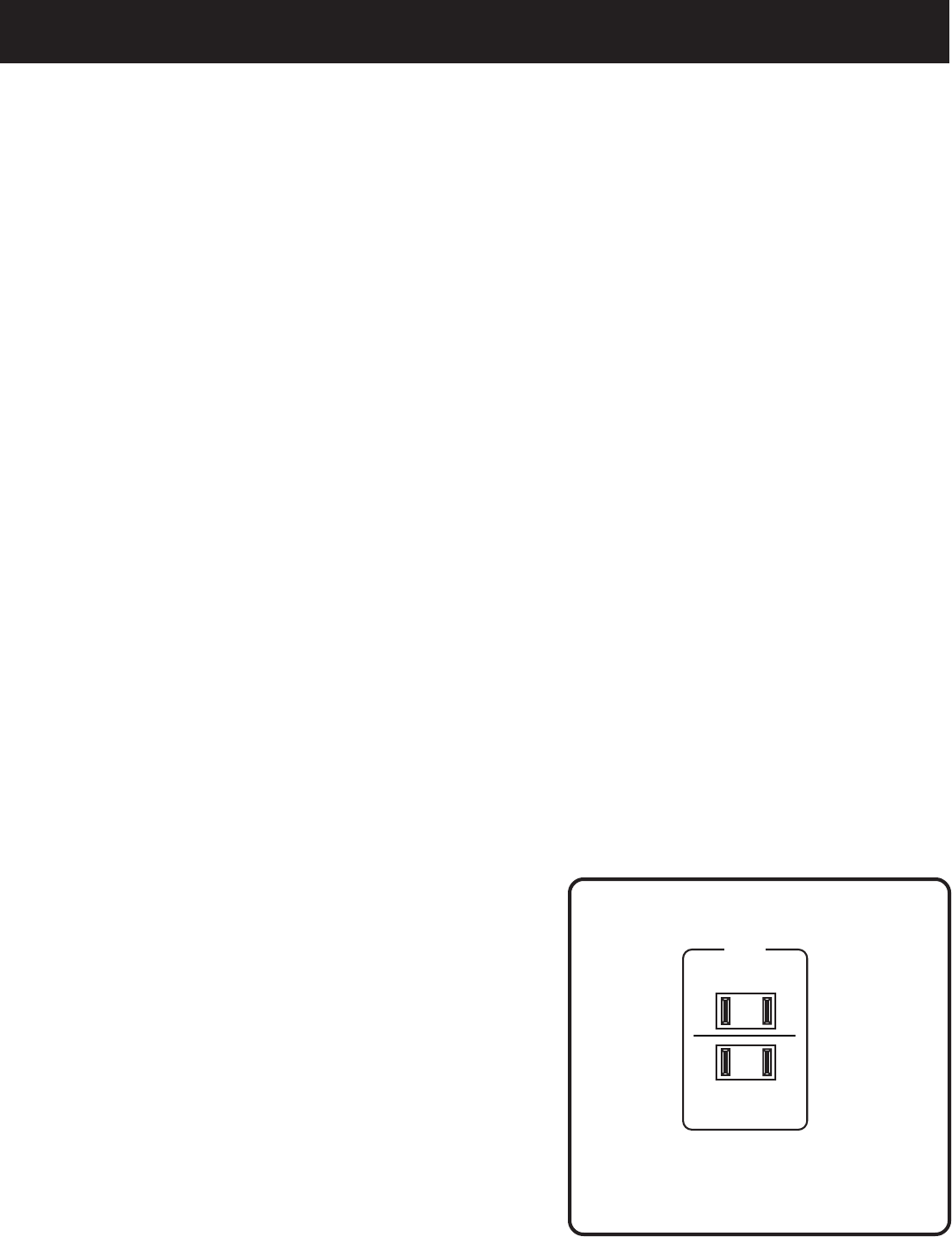
Using the “switched outlet”
• When another component is plugged into the
“switched” AC outlet on the back of the receiver, the
receiver power button will operate the power for the
other component.
• Do not plug your TV or VCR in the “switched” outlet on
the back of the receiver.
Using the Subwoofer Connections
You can connect the subwoofer outlet jacks to powerful
subwoofers, such as the RCA SP3350SW. Connect one of
the black terminals on the back of the receiver to the
subwoofer’s line input. If the subwoofer has two input
jacks, connect the receiver to the input jack labeled
“Mono.” If there is no label for Mono, use the right input
jack. If a second subwoofer is used, connect it to the
remaining receiver output jack.
See the subwoofer’s user’s manual for specific information
about adjusting the subwoofer.
120V 60Hz
SWITCHED 180W, 1.5A MAX
UNSWITCHED 180W, 1.5A MAX
AC OUTLETS
AC Outlets