
User Manual


27 | razer™
Trackpad Configuration
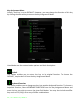
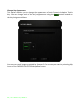
You can adjust the response of the trackpad by clicking the image of the trackpad on
the user interface.
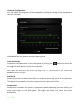
Listed below are the options and their descriptions.
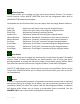
Track-Panel Logo
Customize the appearance of the track-panel by clicking the button to search for
an image file and apply it to the current profile.
Note: While the track-panel will accept any image size, it is recommended to use images with
800x480 resolution or larger.
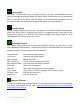
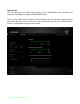
Sensitivity
Sensitivity pertains to how much effort is needed to move the cursor in any direction.
The higher the sensitivity, the more responsive the track-panel will be.
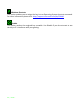
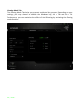
Acceleration
Acceleration increases the cursor’s movement speed depending on how quickly you
move your finger on the track-panel. The higher the value, the faster the cursor
accelerates.