User's Manual


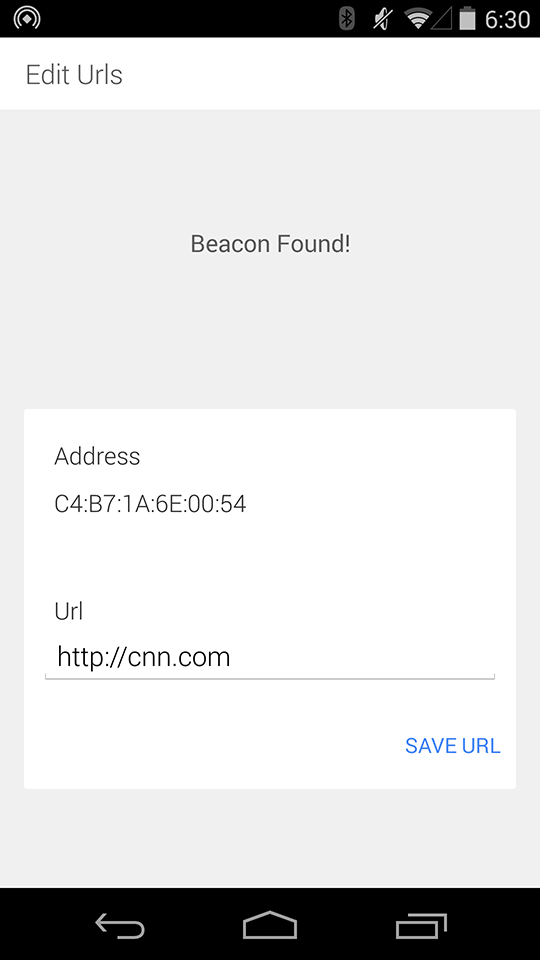
Now you can enter a new url into the text field and press either the keyboard "DONE" button or exit the keyboard and
tap "SAVE URL" to write that new url to the beacon. You should hear a confirmation beep from the beacon and also
see a toast onscreen telling you that the url was saved to the beacon. You'll then be taken back to the list of nearby
beacons that should update shortly with your newly programmed beacon.
We started the first flow with the list of beacons, but really once the app is loaded it runs a background scanner (that
turns off when your screen is off). This scanner creates a notification that indicates how many beacons have been found
nearby, and hides the notification if that number is zero.