
Operating instructions
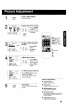
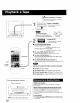
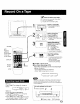
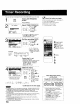
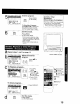
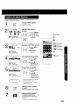

By pressing the CM SKIP button rn Play mode you can sk)p over 1 to
3 minutes of recorded tape in just a few seconds
' CMSKIP
Set Skip Time.
Press CM SKIP repeatedly
to select skip time.
F
tess _ 1 mitt Skip
tess _2 mJnSkip
tess -3 min Skip
It is easy to detect the end of a recorded program so that you may
continue or begin a new recording.
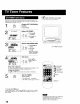
Your unit is equipped with several time
saving features as well as convenient
automatic functions which make tape
operation easier than ever.
a! _- -
_ I
Display SELECT
SEARCH MODE in
Playback or Stop mode.
Press SEARCH on the remote.
b
SELECT SEARCH MODE
ZERO SEARCH
PROGRAM INDEX SEARCH
SELECT:& • KEY
SET :. KEY
END :SEARCH KEY
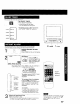
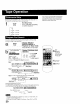
Display PROGRAM END
SEARCH.
r 1) Press A,V
r,o, r_ to select.
_9
_::_ 2) Press •! :cb
to start search.
Example of Program End Search operation.
Fiii_.I PLAYBACK DIRECTION
_m_l _[_IM _ Pr°gram 2 °r BLANK M
Press SEARCH button T_
d_
FP
FF
F_ If search exceeds few seconds in CLANK area.
Press SEARCH button
BLANK J_m Program2 |
If Program End Point is found.
The search continues slightly beyond the end point, then search and reverse
search and plays the last few seconds of the program and finally stop
h_im Program 2 (SLANK)
Press SEARCH button SEARCH
FF _ REVERSE
PLAY _._ ......... : SEARCH
STOP
0
• If Program End Search is started very close to an index mark, one
program may be skipped over
• If you want to cancel Program End Search, Press PLAY or STOP
2O
SET
SELECT
,A:CH UP
_":CH DOWN
:VOL UP
CM SKIP