EN-22
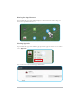
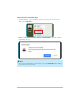
Moving the App Shortcut
Tap and hold the app icon until it displays as movable mode. Then drag it to
the desired position and release.
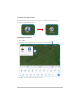
Viewing App Info
Tap and hold the app icon until the pop-up menu appears on the screen. Then
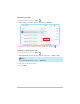
select App info.
You can then view the detailed app information.