
User's Manual DATA PROJECTOR U4-232, U4-232h
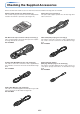
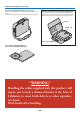
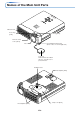
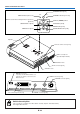
Table Of Contents
- INDEX
- English
- IMPORTANT SAFETY INFORMATION
- Major Features
- Table of Contents
- Checking the Supplied Accessories
- Names of the Main Unit Parts
- Names of the Remote Control Parts
- Preparing the Remote Control
- The Procedure Up to Projecting to the Screen
- Placement Guide
- Connecting Personal Computers and Video Equipment
- Power Cable Connections and Switching the Power On/Off
- Adjustment of the Projection Screen
- General Operation
- Input Selection
- Automatic Adjustment of Analog RGB
- Selection of Aspect Ratio
- Freezing a Moving Picture
- Cancelling Video and Audio Temporarily
- Lamp Mode
- Keystone
- Adjustment of the Volume
- Enlargement of the Image and Video Movement
- Using the Presentation Timer
- Protecting the Projector with the Security Lock
- Using the Quick Menu
- Menu Operation Method
- Image
- Color
- View
- Setup
- Option
- Info.
- When an Indicator is Lit or Blinking
- Troubleshooting
- Cleaning
- Replacing the Lamp Cartridge
- Specifications
- Table of Supported Frequencies
- Cabinet Dimensions
E-7
Checking the Supplied Accessories
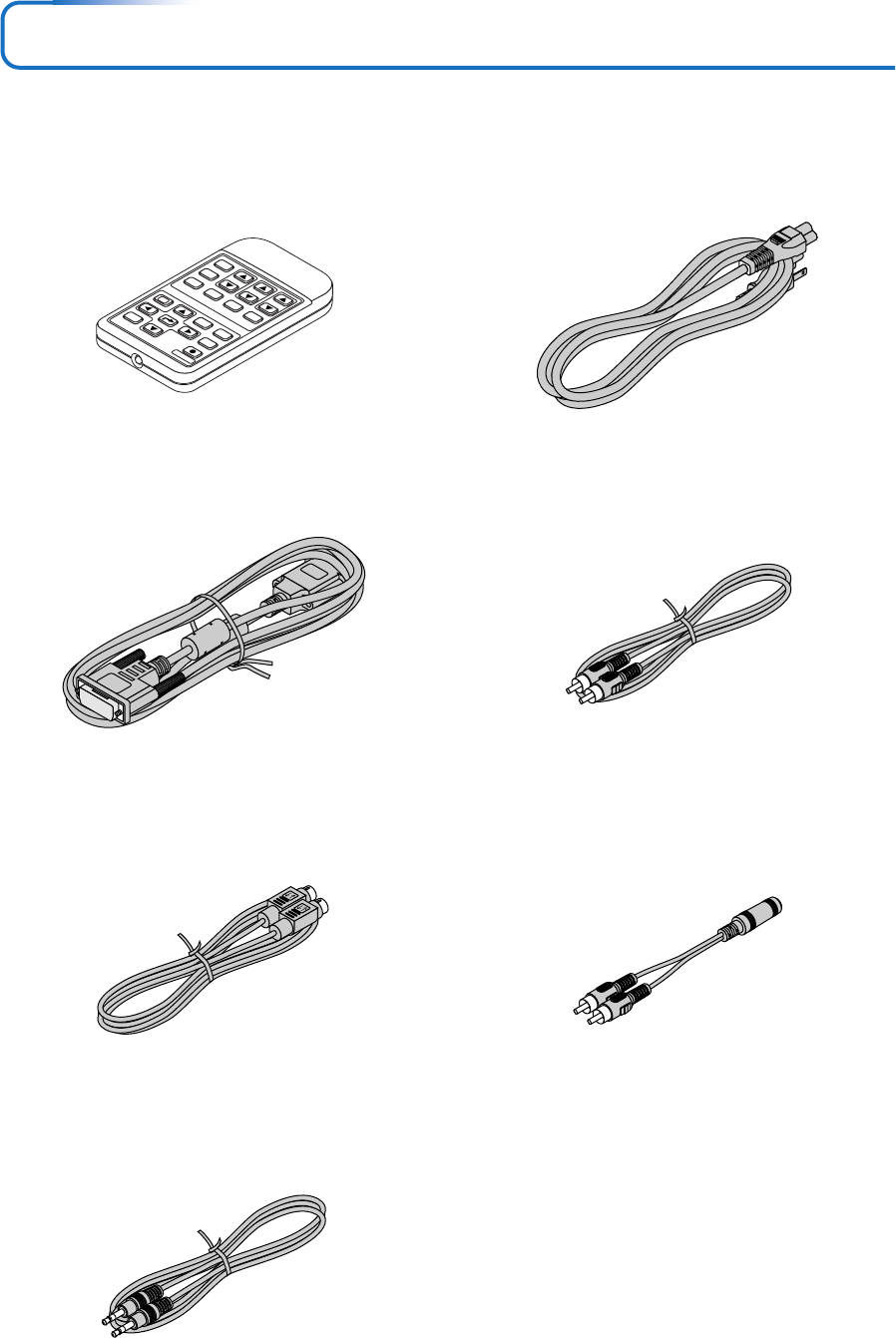
Remove the main unit and the accessories from the box and check that the following items are included.
RGB
STANDBY
VIDEO
FREEZE
MUTE
ECO
AUTO
ASPECT
TIMER
VOL KSTN
ZOOM
CANCEL
QUICK
MENU
ENTER
Q
1234
Remote control (includes one button battery) [1]
This controls the projector. Please remove the transportation
insulation sheet at time of purchase. (See Page E-11.)
Power cable (1.8 m / 5.9 feet) [1]
This power cable supplies power to the unit. See Page E-21
about connections.
DVI / Mini D-sub 15-pin conversion cable (2 m / 6.6 feet) [1]
This is used in making connections with a personal computer.
See Page E-16 about connections.
No. 776702000
Video cable (RCA pin plug, 2 m / 6.6 feet) [1]
This cable is used in the connection of video equipment that
has a video connector. Connections are described on Page
E-18.
No. 771703000
S-Video cable (Mini DIN 4-pin plug, 2 m / 6.6 feet) [1]
This cable is used in the connection of video equipment that
has an S-video connector. Connections are described on Page
E-18.
No. 771709000
Audio conversion adapter
(Mini plug / RCA pin plug, 15 cm / 0.5 feet) [1]
This cable is used with equipment whose audio connector is
of the phono pin type. Connections are described on Page
E-20.
No. 770704000
Audio cable (Mini plug, 2 m / 6.6 feet) [1]
This cable is used with equipment that has phono type audio
jacks. Connections are described on Page E-20.
No. 769710000