
User guide


Table Of Contents
SWP-0412G2 Series L2 Web Smart Switch User Guide
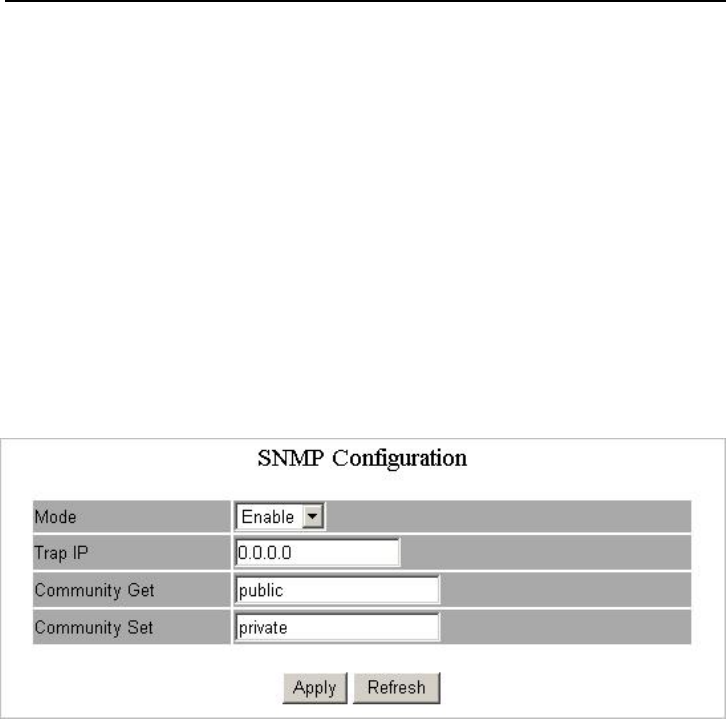
SNMP
This device supports SNMP-management, which allows network administrators to
monitor and configure this device with SNMP software. To allow this device to be
managed via SNMP:
1. Select “enable” in the drop menu.
2. Specify a trap IP. A trap IP is the destination port for sending trap information,
which is usually the IP address of network administrators.
3. Fill in a name in the “Community Get” column, which is the password for
accessing MIB with read-only authority.
4. Fill in a name in the “Community Set” column, which is the password for
accessing MIB with read-and-write authority.
23