
User guide


Table Of Contents
SWP-0412G2 Series L2 Web Smart Switch User Guide
Port-based mode QoS:
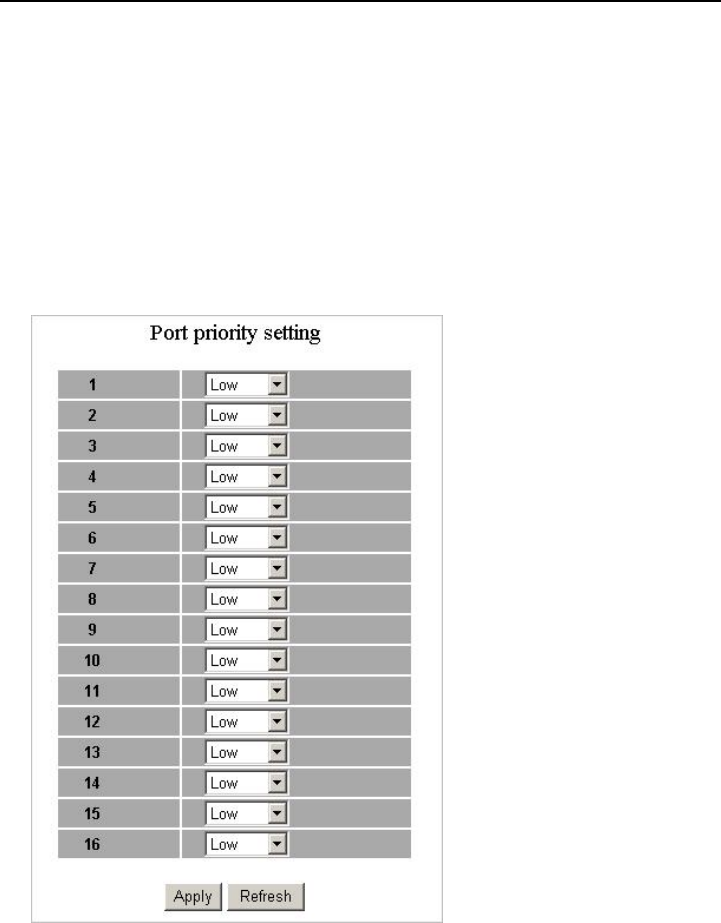
Port-based QoS allows users to configure each port as having a high or low priority.
To assign a priority level to each port:
1. Select “Port” in the “Mode” column for those ports that are going to function as
part of port-based QoS. Click the “Apply” button.
2. Click the “Port priority” button. The “Port Priority Setting” appears.
3. Click on the drop menu to specify priority levels.
4. Click “Apply” to execute.
18