
Instruction Manual





13
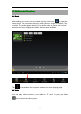
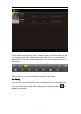
Tab the picture you want to display it, and slide right or left to show other
pictures.
T ap the menu icon, you can edit, rotate, crop, or set it as wallpa p er.
6.4
6.4
6.4
6.4 Camera
Camera
Camera
Camera
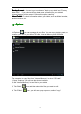
Tap the icon to open camera. Your tablet is built in 0.3M front camera.
You can take a photo, or a video.
Note: After you power on your tablet, you can go to camera directly by drag the
lock to left.