
Q7 Digital Camera Manual


Table Of Contents
- Checking the Contents of the Package
- How to Use This Manual
- Contents
- Introducing the PENTAX Q7
- Getting Started
- Taking Pictures
- Playback Functions
- Changing the Settings
- Appendix
4
Playback
50
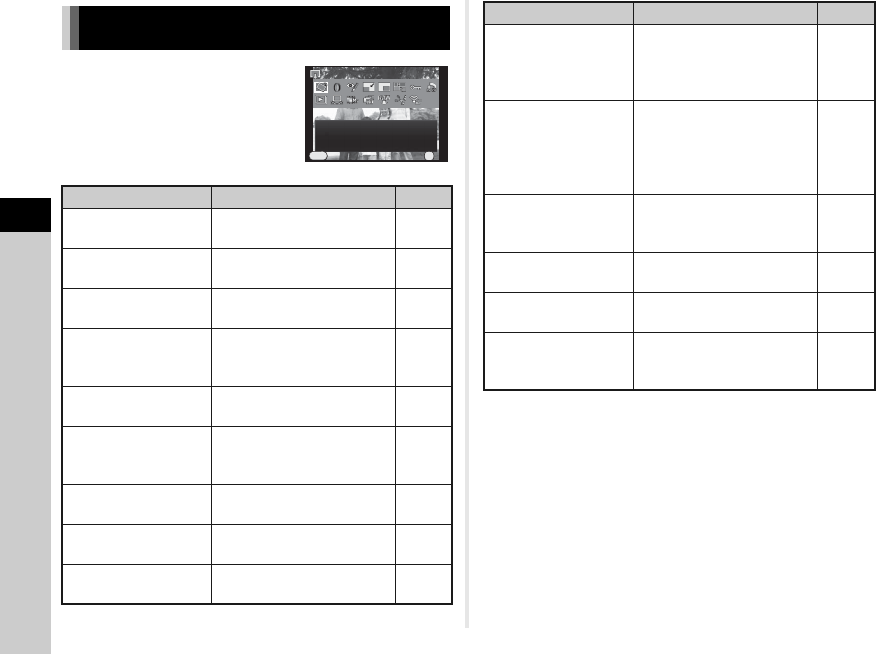
Playback functions can be specified
in the playback mode palette as well
as the B1 menu (p.17).
Press B in single image display of
the playback mode to display the
playback mode palette.
*1 Not available when a movie is displayed.
*2 Not available when a RAW image is displayed.
*3 Available only when a RAW image is saved.
*4 Available only when a movie is displayed.
Playback Mode Palette Items
Item Function Page
S
Image Rotation
*1
Changes the rotation
information of images.
p.53
T Digital Filter
*1
Processes images with
digital filters.
p.57
U
Red-eye Edit
*1
*2
Corrects images of a subject
captured with red eyes.
p.57
V Resize
*1
*2
Changes the number of
recorded pixels or size of the
image.
p.56
W Cropping
*1
*2
Crops out only the desired
area of an image.
p.56
X Index
Joins a number of images
together and creates an
index image with them.
p.58
Y Protect
Protects images from being
accidentally erased.
p.65
d DPOF
*1
*2
Embeds the number of prints
and date in images.
p.68
Z Slideshow
Plays back images one after
another.
p.53
Image Rotati on
Image Rotation
Rotate s capt ured im ages.
Rotates captured images.
Useful for i mage pl ayback on
Useful for image playback on
TV and other displa y devi ces
TV and other display devices
Exit
Exit
OK
OK
OK
MENU
o
Save as Manual
WB
*1
Saves the white balance
settings of the captured
image as Manual White
Balance.
p.44
a
Save Cross
Processing
Saves the settings used for
an image captured in Cross
Processing mode of Custom
Image or Smart Effect as
your “Favorite” settings.
p.47
g
Save Smart
Effect
*1
Saves the shooting settings
of your favorite image to the
quick dial.
p.63
b
RAW
Development
*3
Converts RAW images to
JPEG format.
p.60
c Movie Edit
*4
Divides a movie or deletes
unwanted segments.
p.59
e
Eye-Fi Image
Transfer
Transfers selected images
wirelessly using an optional
Eye-Fi card.
p.67
Item Function Page