
Q7 Digital Camera Manual


Table Of Contents
- Checking the Contents of the Package
- How to Use This Manual
- Contents
- Introducing the PENTAX Q7
- Getting Started
- Taking Pictures
- Playback Functions
- Changing the Settings
- Appendix
3
Shooting
45
Expands the dynamic range and enables a wider range of tones
by the CMOS sensor and reduces the occurrence of
overexposed/underexposed areas.
Set in the control panel or [D-Range Settings] of the A2 menu.
uCaution
• When the sensitivity is set to ISO 100, [Highlight Correction]
cannot be set to [On].
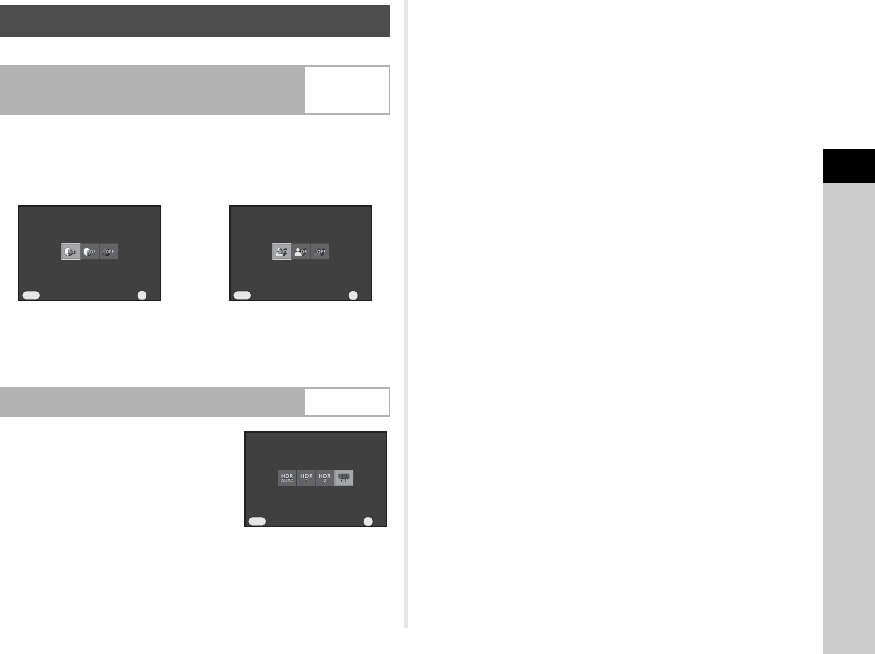
Takes three consecutive images at
three different exposure levels to
create a single composite image with
them.
Set in the control panel or [HDR
Capture] of the A1 menu.
uCaution
• This function cannot be used in some capture modes or in
combination with some other functions. (p.69)
• During HDR Capture, multiple images are combined together
to create a single image, so it will take time to save the
composite image.
tMemo
• Specific HDR settings are used and HDR Capture cannot be
set when k or r of S mode is selected.
Adjusting Brightness
Highlight Correction/
Shadow Correction
v/A2
HDR Capture v/A1
Cancel
Cancel
Highli ght Co rrectio n
Highlight Correction
Auto
Auto
OK
OK
OK
MENU
CancelCancel
Shadow Corre ctionShadow Correction
AutoAuto
OKOK
OK
MENU
CancelCancel
HDR Ca ptureHDR Capture
OffOff
OKOK
OK
MENU