
K-50 Digital Camera Manual


Table Of Contents
- For Using Your Camera Safely
- Care to be Taken During Handling
- Contents
- Composition of the Operating Manual
- 1 Before Using Your Camera
- 2 Getting Started
- 3 Basic Operations
- 4 Shooting Functions
- 5 Shooting Settings
- 6 Playback Functions and Image Editing
- 7 Changing Additional Settings
- 8 Connecting to a Computer
- 9 Using the Flash
- 10 Appendix
16
The symbols used in this Operating Manual are explained below.
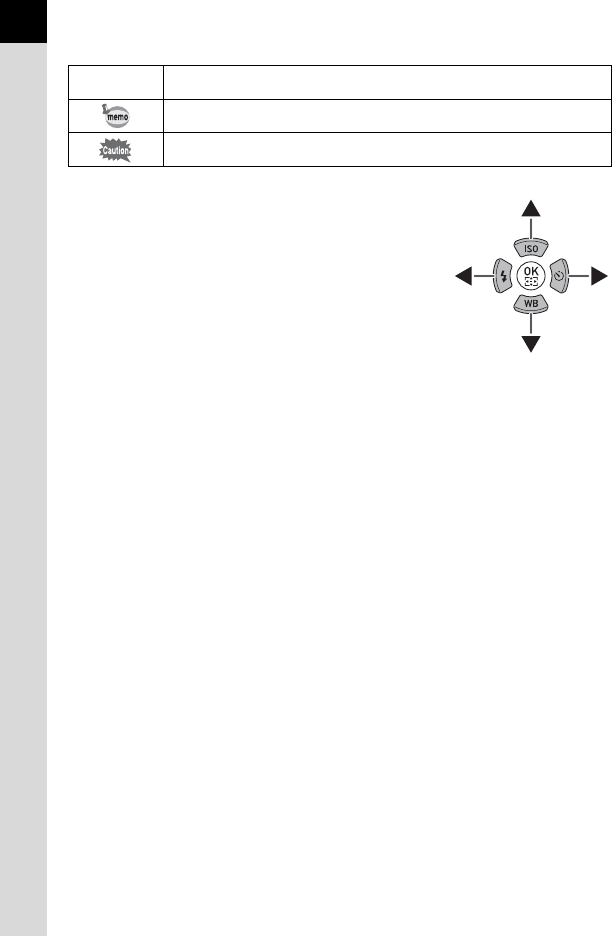
In this manual, the arrow keys of the four-way
controller are referred to in the following way.
1
Indicates reference page numbers explaining a related operation.
Indicates useful information.
Indicates precautions to take when operating the camera.