
User's Manual


Table Of Contents
- For Using Your Camera Safely
- Care to be Taken During Handling
- Contents
- Composition of the Operating Manual
- 1 Before Using Your Camera
- 2 Getting Started
- 3 Basic Operations
- 4 Shooting Functions
- 5 Shooting Settings
- 6 Playback Functions and Image Editing
- 7 Changing Additional Settings
- 8 Connecting to a Computer
- 9 Using the Flash
- 10 Appendix
93
Shooting Functions
4
Available operations
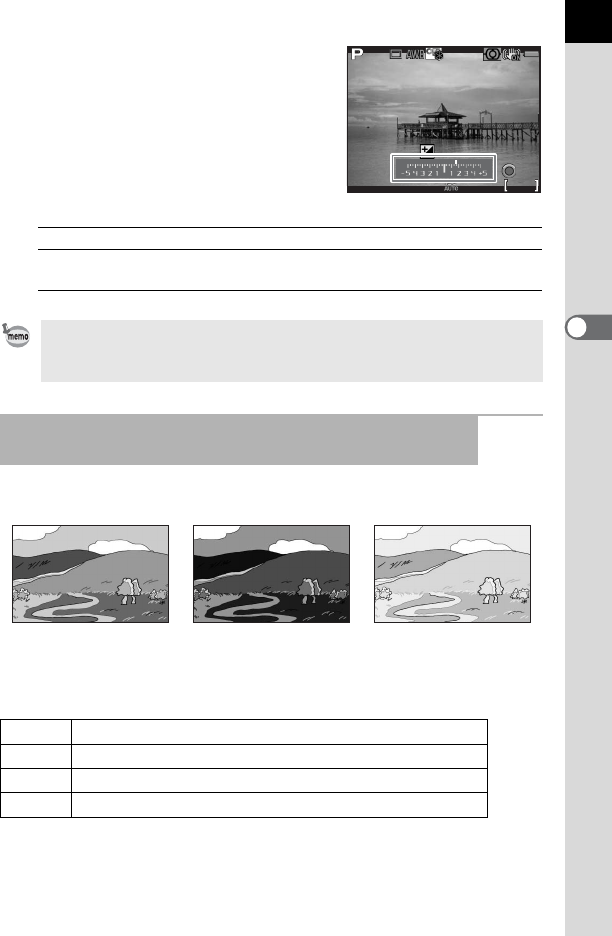
You can take three consecutive pictures at three different exposure levels.
Set the bracketing order in [6. Bracketing Order] of the [A Custom Setting
1] menu.
m button Starts/ends selecting the compensation value.
d button Resets the compensation value to the default
setting.
• EV Compensation is not available in p mode.
• The set compensation value is not canceled by turning the camera off or by
switching to another capture mode.
Changing the Exposure Automatically when Shooting
(Exposure Bracketing)
Standard exposure Underexposure Overexposure
0 – +
Standard Underexposed Overexposed (default setting)
– 0 +
Underexposed Standard Overexposed
+ 0 –
Overexposed Standard Underexposed
0 + –
Standard Overexposed Underexposed
1/
2000
1/
2000
F2.8
F2.8
1600
1600
128
128
±0
EV
±0
EV
+1.7
EV
+1.7
EV