
High Speed Color Scanner Operating Instructions

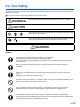
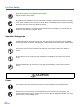
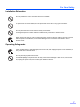
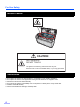
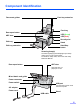
Table Of Contents
- Table of Contents
- Notice
- For Your Safety
- Component Identification
- Setting up the Scanner
- Installing Software
- Starting the Scanner Applications Automatically
- Document Specifications
- Loading Documents
- Clearing Paper Jams
- Mixed Batch Card Guide
- Cleaning the Unit
- Replacing Consumables
- Removing the Stand
- Repacking Instructions
- Specifications
- Troubleshooting
- Index
For Your Safety
8
• Do not place the scanner in direct sunlight, in a cold draft, or near heating apparatus.
• Do not place the scanner near apparatus which generate electronic or magnetic noise.
• Protect the scanner from static electricity.
• Do not move the scanner immediately from a cold place to a warm place. It may cause dew.
• Handle a CD-ROM carefully.
• Prevent a CD-ROM from damage, and keep clean.
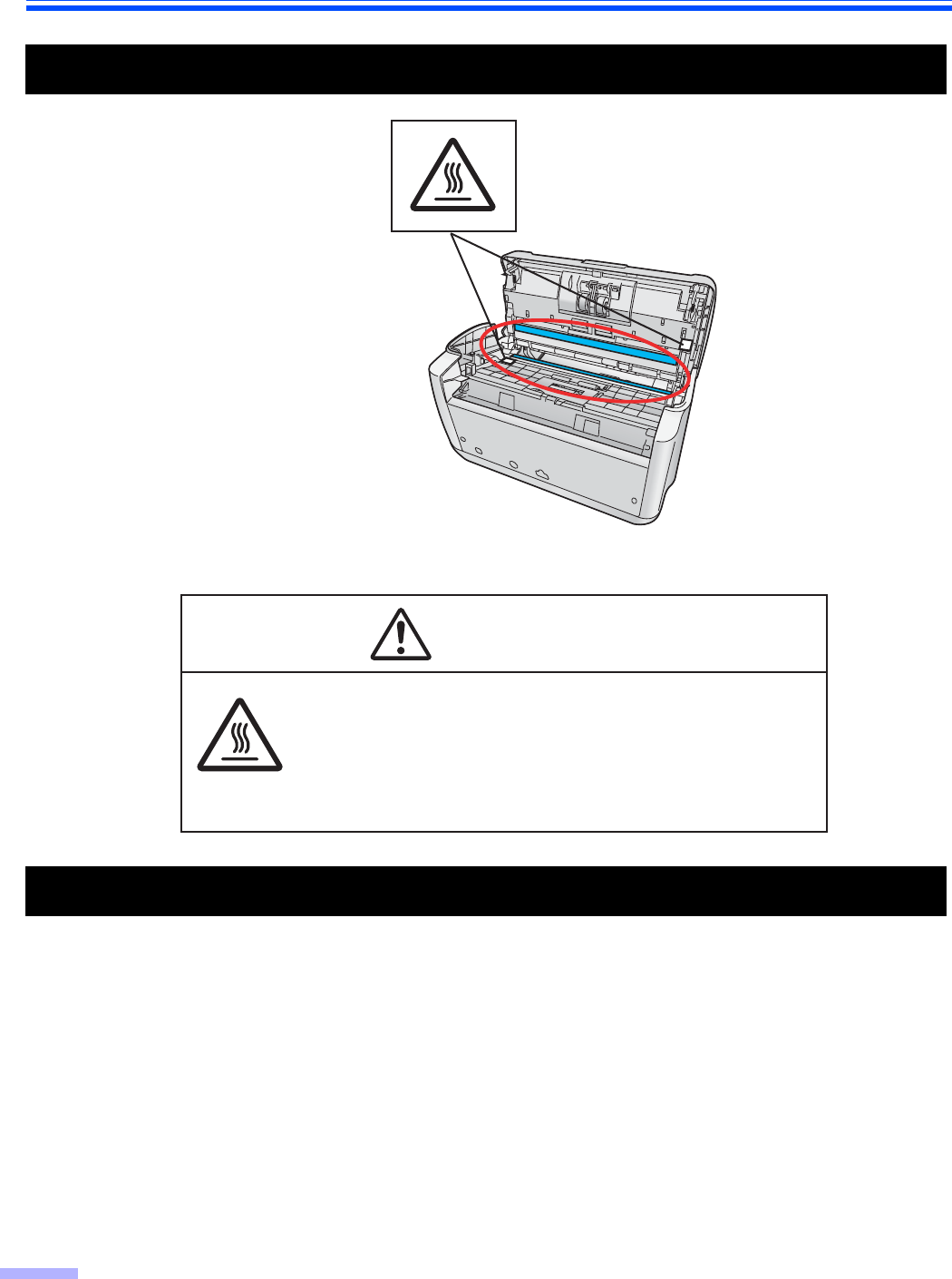
Caution Labels
Precautions
HOT SURFACE
DO NOT TOUCH.
The glass in the scanning section become very hot.
Exercise care not to touch heated areas, or you may get burned.
CAUTION