
High Speed Color Scanner Operating Instructions
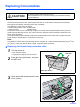
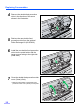
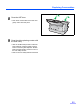
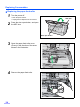
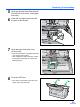

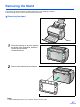
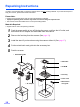
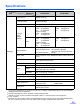
Table Of Contents
- Table of Contents
- Notice
- For Your Safety
- Component Identification
- Setting up the Scanner
- Installing Software
- Starting the Scanner Applications Automatically
- Document Specifications
- Loading Documents
- Clearing Paper Jams
- Mixed Batch Card Guide
- Cleaning the Unit
- Replacing Consumables
- Removing the Stand
- Repacking Instructions
- Specifications
- Troubleshooting
- Index
Replacing Consumables
33
8
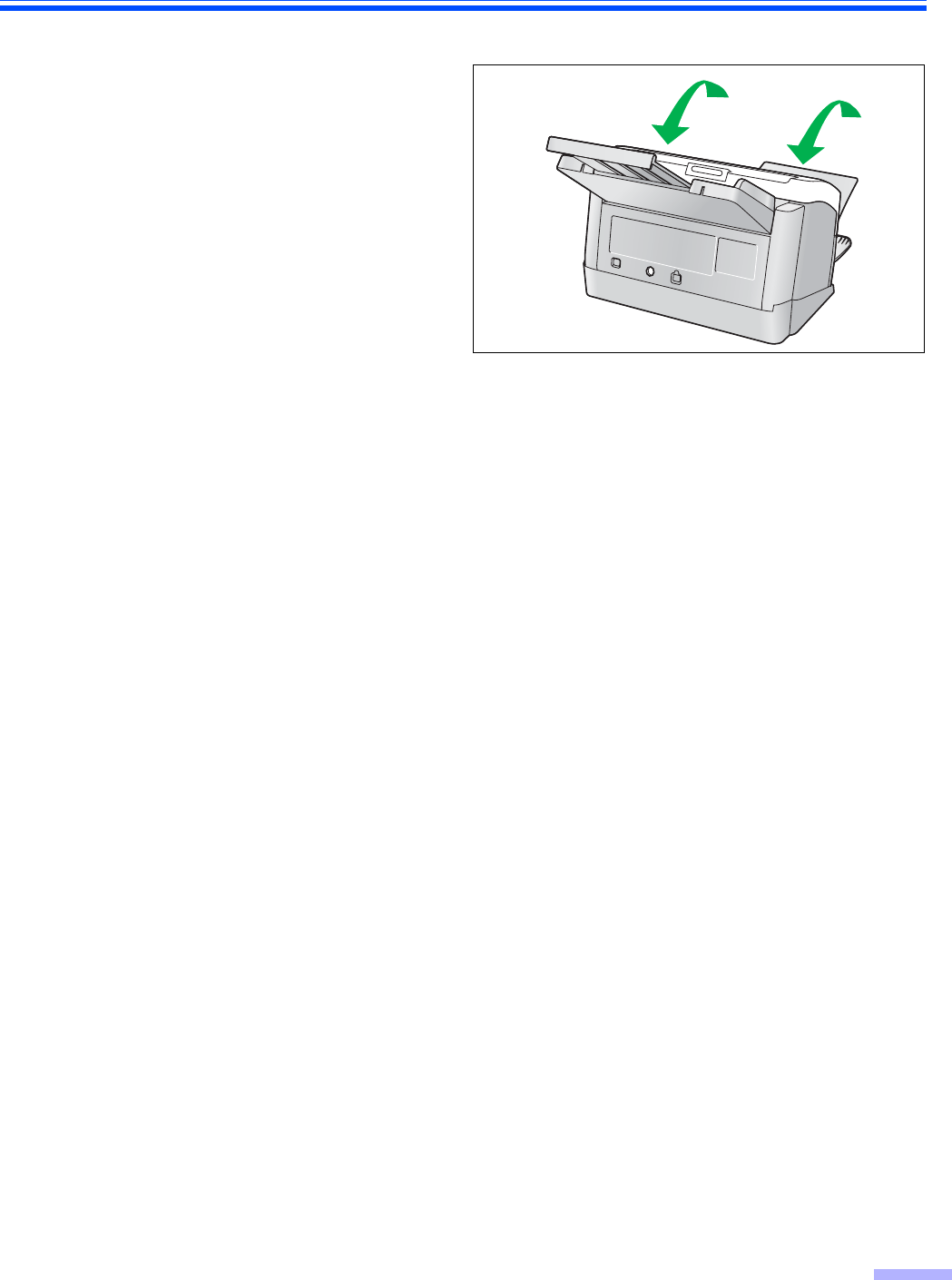
Close the ADF door.
• Push down on both sides of the ADF door
gently until it clicks into place.
9
Clear the roller replacing counter with
the User Utility.
• After the double-feed prevention roller has
been replaced, press the [Clear Counter]
button to clear the [After Replace “Double-
feed Prevention Roller”] counter to zero on
the User Utility window.
• Refer to the User Utility Reference Manual.