
High Speed Color Scanner Operating Instructions

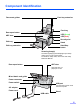
Table Of Contents
- Table of Contents
- Notice
- For Your Safety
- Component Identification
- Setting up the Scanner
- Installing Software
- Starting the Scanner Applications Automatically
- Document Specifications
- Loading Documents
- Clearing Paper Jams
- Mixed Batch Card Guide
- Cleaning the Unit
- Replacing Consumables
- Removing the Stand
- Repacking Instructions
- Specifications
- Troubleshooting
- Index
10
Setting up the Scanner
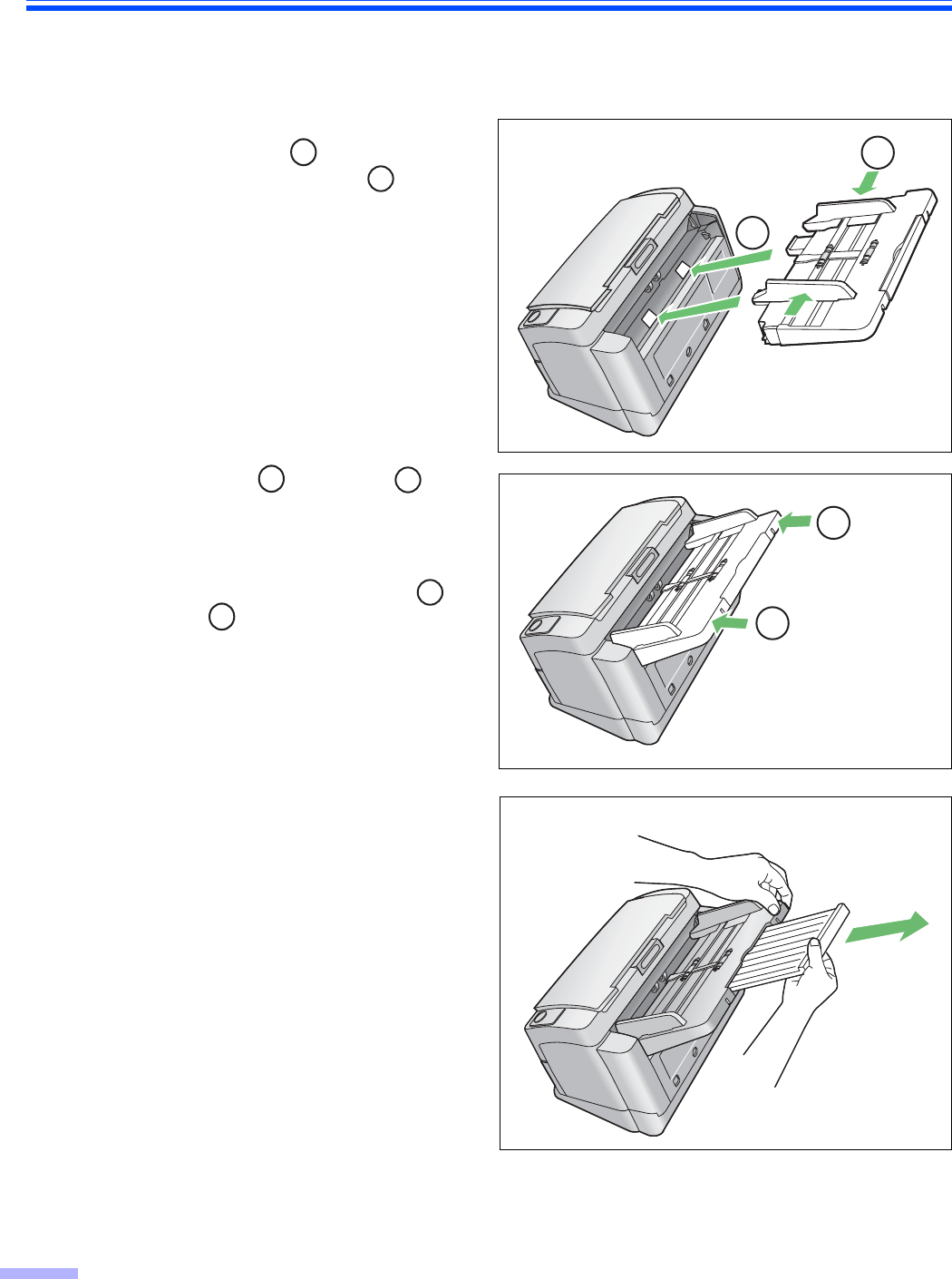
Setting and removing the feed tray
Before using the scanner, follow the steps below to set the feed tray.
1
Adjust the document guides to the
width of A5 paper ( ), and insert the
feed tray into the scanner ( ) as
shown in the illustration.
2
Push the right ( ) and left ( )
sides of the feed tray in that order until
the feed tray locks in place.
When removing the feed tray, lift it up
to unlock, and then pull the left ( )
and right ( ) sides out of the
scanner in that order.
3
Pull out the feed tray extension in the
direction of the arrow shown in the
illustration.
A
B
A
B
A
B
A
B
B
A