
Printer/Fax/Scanner/Copier Operating Instructions
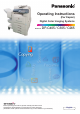
Table Of Contents
- Operating Instructions
- Conventions
- Table of Contents
- Basic Menu Features
- Basic Operation Procedure
- Selecting the Color Mode
- Selecting Original Type and Adjusting the Density
- Registering Quality Preset
- Using Quality Preset
- Quality Adjusting
- Proof Copying
- Confirming/Editing the Selected Copy Features
- Storing a Job in Memory
- Recalling a Preset Job Stored in Memory
- Checking the Waiting to Copy Job
- Completion Notice
- More Menus Features
- 2-Sided Copy Mode
- Basic Operation for the 2-Sided Copy Mode
- Copying 2-Sided Original(s) onto Two Separate Sheets
- Copying Facing Page Original to Two Separate Sheets
- From 1-Sided Originals to 2-Sided Copies Using Saddle Stitch (Booklet)
- Copying Mixed Size Originals from the ADF
- Copying Special Originals (Thin Paper, etc.) from the ADF
- Sort Mode
- Zoom Mode
- Effect Modes
- Insertion Modes
- Overlay Modes
- 2-Sided Copy Mode
- Other Features
- Appendix
7
Chapter 1 Basic Menu Features
4
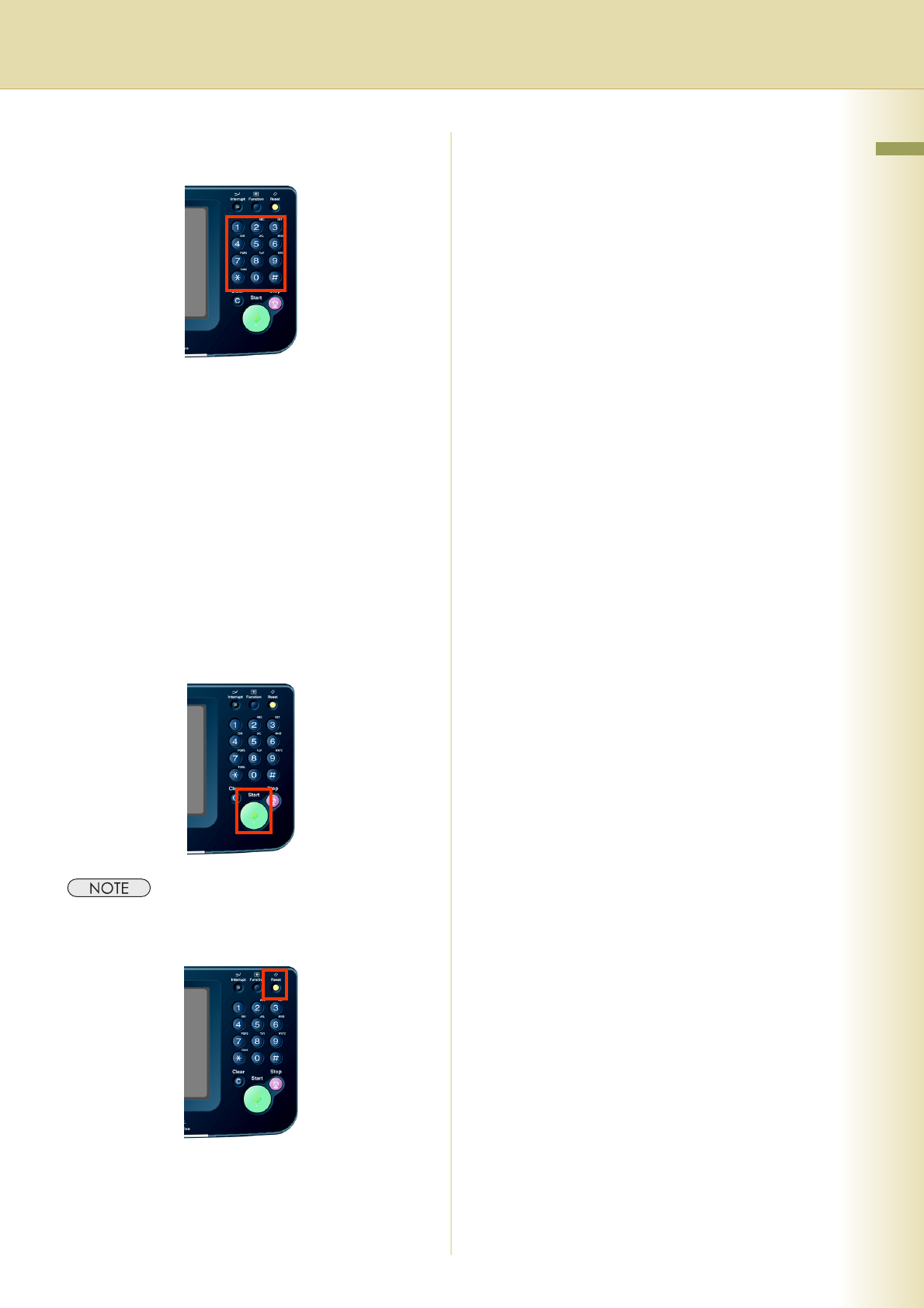
Enter the desired number of copies.
(Up to 999)
z When inputting a number (4 to 8 digits) with
the optional Fax Communication Board
installed, the machine automatically
interprets it as a telephone number,
switches to the Fax mode, and displays the
Number Pad screen.
z The number of digits interpreted as a fax
number can be set from 4 to 8 digits in the
Function Parameter “118 Fax Function
Detect” (Fax/Email Settings > Fax
Parameters). For more details, refer to Fax/
Email Settings in the Operating Instructions
(For Function Parameters) of provided CD-
ROM.
5
Press the Start key.
z After finishing copying, press the Reset key to
return to the initial screen of the currently active
mode.