
Printer/Fax/Scanner/Copier Operating Instructions
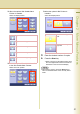
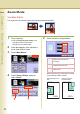
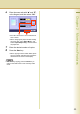
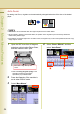
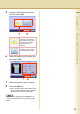
Table Of Contents
- Operating Instructions
- Conventions
- Table of Contents
- Basic Menu Features
- Basic Operation Procedure
- Selecting the Color Mode
- Selecting Original Type and Adjusting the Density
- Registering Quality Preset
- Using Quality Preset
- Quality Adjusting
- Proof Copying
- Confirming/Editing the Selected Copy Features
- Storing a Job in Memory
- Recalling a Preset Job Stored in Memory
- Checking the Waiting to Copy Job
- Completion Notice
- More Menus Features
- 2-Sided Copy Mode
- Basic Operation for the 2-Sided Copy Mode
- Copying 2-Sided Original(s) onto Two Separate Sheets
- Copying Facing Page Original to Two Separate Sheets
- From 1-Sided Originals to 2-Sided Copies Using Saddle Stitch (Booklet)
- Copying Mixed Size Originals from the ADF
- Copying Special Originals (Thin Paper, etc.) from the ADF
- Sort Mode
- Zoom Mode
- Effect Modes
- Insertion Modes
- Overlay Modes
- 2-Sided Copy Mode
- Other Features
- Appendix
55
Chapter 2 More Menus Features
5
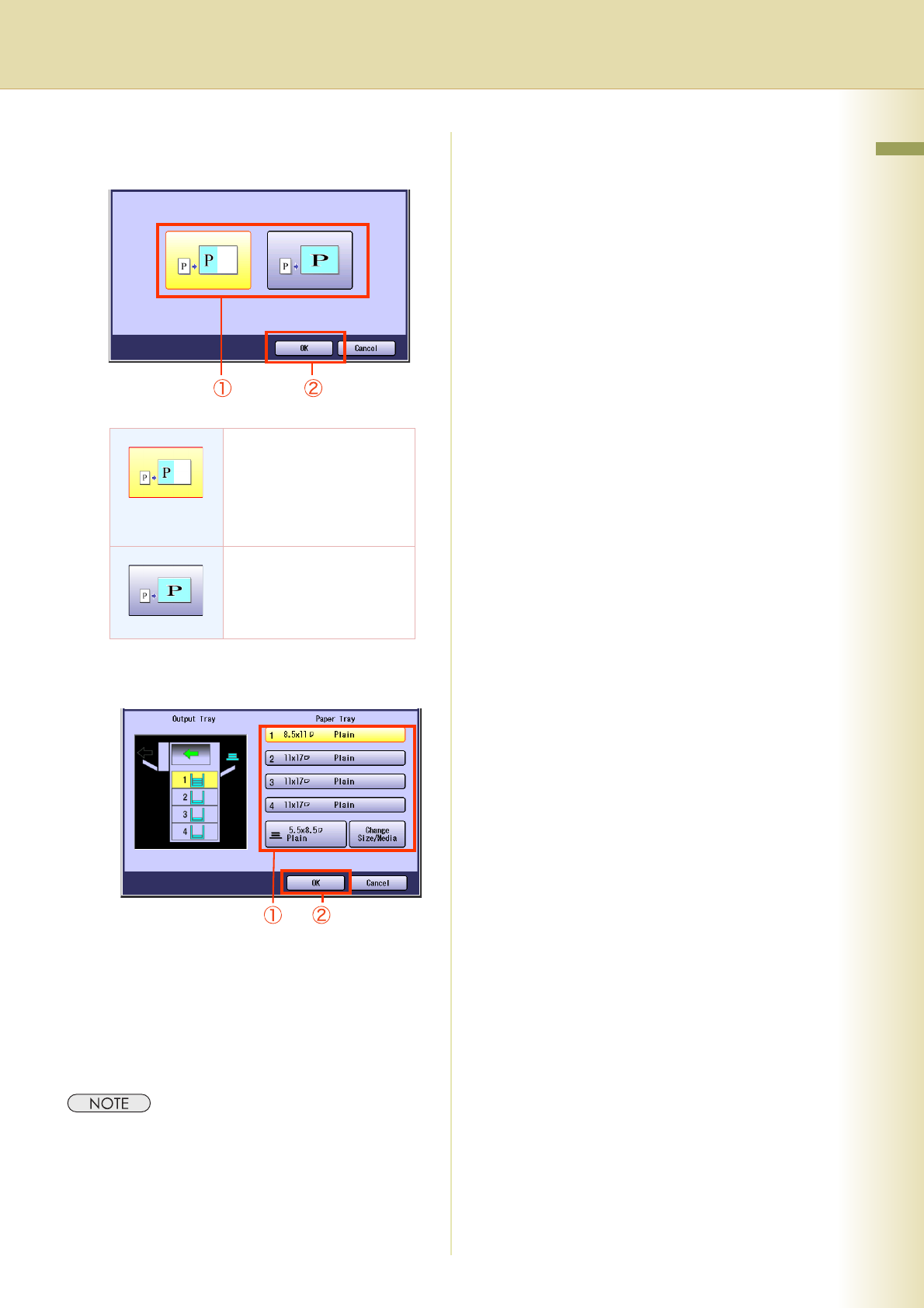
Select the desired zoom type ratio,
and then select “OK”.
6
Select the desired size of paper, and
then select “OK”.
7
Enter the desired number of copies.
8
Press the Start key.
z When copying from the Platen Glass, place
the next original, and follow the instructions
described on the Touch Panel Display.
z After finishing copying, press the Reset key to
return to the initial screen of the currently active
mode.
Enlarged or reduced
according to the vertical or
horizontal size of the paper
(the one with the smaller
magnification ratio is
selected).
Enlarged or reduced
according to both vertical/
horizontal size of the paper.