
Printer/Fax/Scanner/Copier Operating Instructions
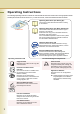
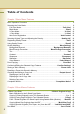
Table Of Contents
- Operating Instructions
- Conventions
- Table of Contents
- Basic Menu Features
- Basic Operation Procedure
- Selecting the Color Mode
- Selecting Original Type and Adjusting the Density
- Registering Quality Preset
- Using Quality Preset
- Quality Adjusting
- Proof Copying
- Confirming/Editing the Selected Copy Features
- Storing a Job in Memory
- Recalling a Preset Job Stored in Memory
- Checking the Waiting to Copy Job
- Completion Notice
- More Menus Features
- 2-Sided Copy Mode
- Basic Operation for the 2-Sided Copy Mode
- Copying 2-Sided Original(s) onto Two Separate Sheets
- Copying Facing Page Original to Two Separate Sheets
- From 1-Sided Originals to 2-Sided Copies Using Saddle Stitch (Booklet)
- Copying Mixed Size Originals from the ADF
- Copying Special Originals (Thin Paper, etc.) from the ADF
- Sort Mode
- Zoom Mode
- Effect Modes
- Insertion Modes
- Overlay Modes
- 2-Sided Copy Mode
- Other Features
- Appendix
2
Operating Instructions
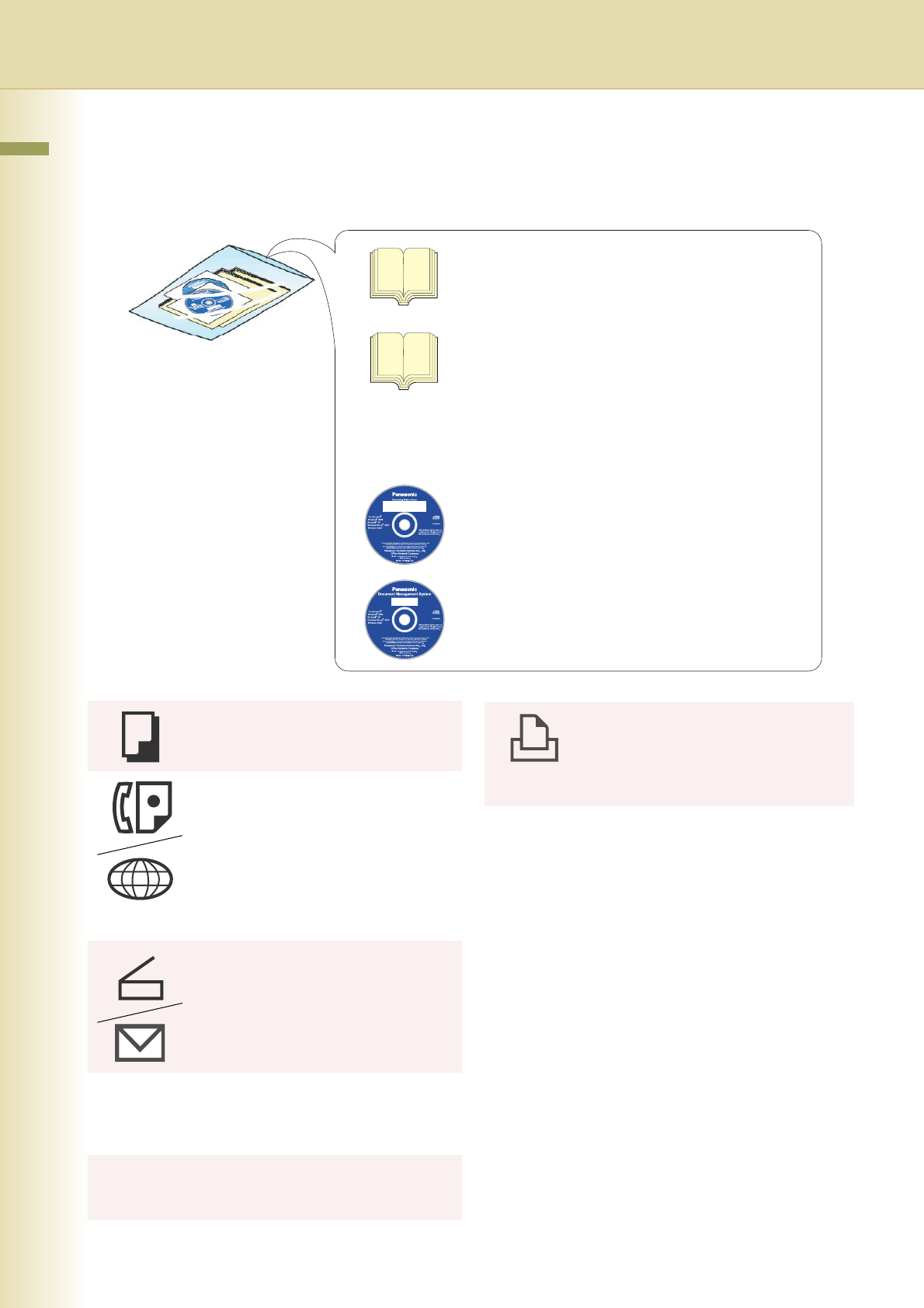
The following Operating Instruction manuals are included with this machine. Please refer to the appropriate manual
and keep all manuals for future reference. If you lose the manual, contact the authorized Panasonic dealer.
Accessories
Operating Instructions (For Setting Up)
This manual contains essential information for setting
up the machine.
Operating Instructions (For Basic Operations)
This manual contains essential information for proper
operation of the machine.
It describes basic Copy, Print, Facsimile/Internet Fax,
Scan/Email, and other functions.
For a more detailed explanation of each function, please
refer to the Operating Instruction manuals included on
two CD-ROMs as illustrated below.
Operating Instructions CD
Contains manuals with detailed information for Copy,
Facsimile/Internet Fax, Scan/Email functions, Function
Parameters, and User Authentication.
Document Management System CD
Contains the Panasonic Document Management
System Application software, and manuals with detailed
information for the Print function and Panasonic
Document Management System Application software.
Operating Instructions CD
Copy Function
Describes how to make a Color Copy with
creative features.
Facsimile and Internet Fax
Function
(The Facsimile function is available when
the optional G3 Fax Communication
Board is installed.)
Describes how to send/receive a
Facsimile/Internet Fax, and describes the
course of action to take when a trouble
message appears, etc.
Scan and Email Function
Describes how to scan and how to send
Email through the machine.
Function Parameters
Describes how to change the default
settings of each function using the Control
Panel of the machine.
User Authentication
Describes how to enable and use the
User Authentication function.
Document Management System CD
Print Function
Describes how to print with color and
change the default printer settings, and
describes the course of action to take
when a problem message appears, etc.
Application Software
Describes how to use the application
software.
Ex: Panafax Desktop, Fax Driver, Quick
Image Navigator, Device Monitor/
Device Explorer, Network Config/
Add Editor