
Digital Color Imaging Systems Operating Instructions Model No. DP-C354 / C264, Model No. DP-C323 / C263 / C213


200
Chapter 8 Reading Reports/Lists
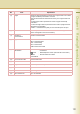
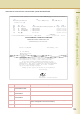
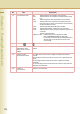
Fax Parameter List
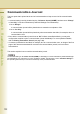
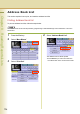
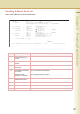
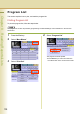
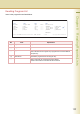
This section explains how to print, and read the fax parameter list.
Printing Fax Parameter List
To print the fax parameter list, follow the steps below:
1
Press the Fax key.
2
Select “More Menus”.
3
Select “Print Out”.
4
Select “Fax Parameter List”.
The fax parameter list will be printed.
z Press Reset key to return the machine to
the initial screen of the current active mode.