
Digital Imaging Systems DP-8060 / 8045 / 8035 Operating Instructions


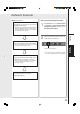

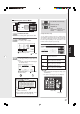


Table Of Contents
- Table of Contents
- Product Overview
- Copying
- Printing
- Network Scanning
- Facsimile / Internet Fax/Email
- Problem Solving
- Troubleshooting
- User (U) / Error Codes
- Removing Misfed Paper
- Locations/User Error Codes (J Codes)
- System Console (Option) (A)
- Paper Entry Area (B)
- Paper Transport Area (C)
- Paper Exit/Fuser Area (D)
- Automatic Duplex Unit (ADU) (E)
- Reverse Area (F)
- 3000-Sheet Tray (LCT) (Option) (G)
- 2-Bin Finisher (Option) (H) (DA-FS600/605)
- 2-Bin Finisher (Option) (H) (DA-FS330)
- 1-Bin Saddle-Stitch Finisher (Option) (H)
- 2-Bin Saddle-Stitch Finisher only (Option) (I)
- 1-Bin Saddle-Stitch Finisher (Option) (I/F)
- i-ADF (J)
- Replacing Consumables
- Appendix
- Specifications
- DP-8060/8045/8035 (Copier)
- i-ADF (Standard)
- Printer Unit
- System Console 1 (DA-DS603)
- System Console 2 (DA-DS604)
- For G3 Facsimile (Option) [DA-FG600]
- For Internet Fax (Email) [Standard]
- 3000-Sheet Tray (LCT) (DA-MA301)
- Letter-R/Legal Size Adaptor for 3000-Sheet Tray (LCT) (DA-TK31)
- 2-Bin Finisher (DA-FS600)
- 2-Bin Saddle-Stitch Finisher (DA-FS605)
- Punch Unit (DA-SP31) [for DA-FS600/605]
- 2-Bin Finisher (DA-FS330) (1/2)
- 2-Bin Finisher (DA-FS330) (2/2)
- 1-Bin Saddle-Stitch Finisher (DA-FS355A)
- Punch Unit (DA-SP41) [for DA-FS355A]
- Option and Supplies
- Multi-Tasking Job Table
- FCC Notice
- Index
- Glossary
- Specifications
23
Copying
5
4
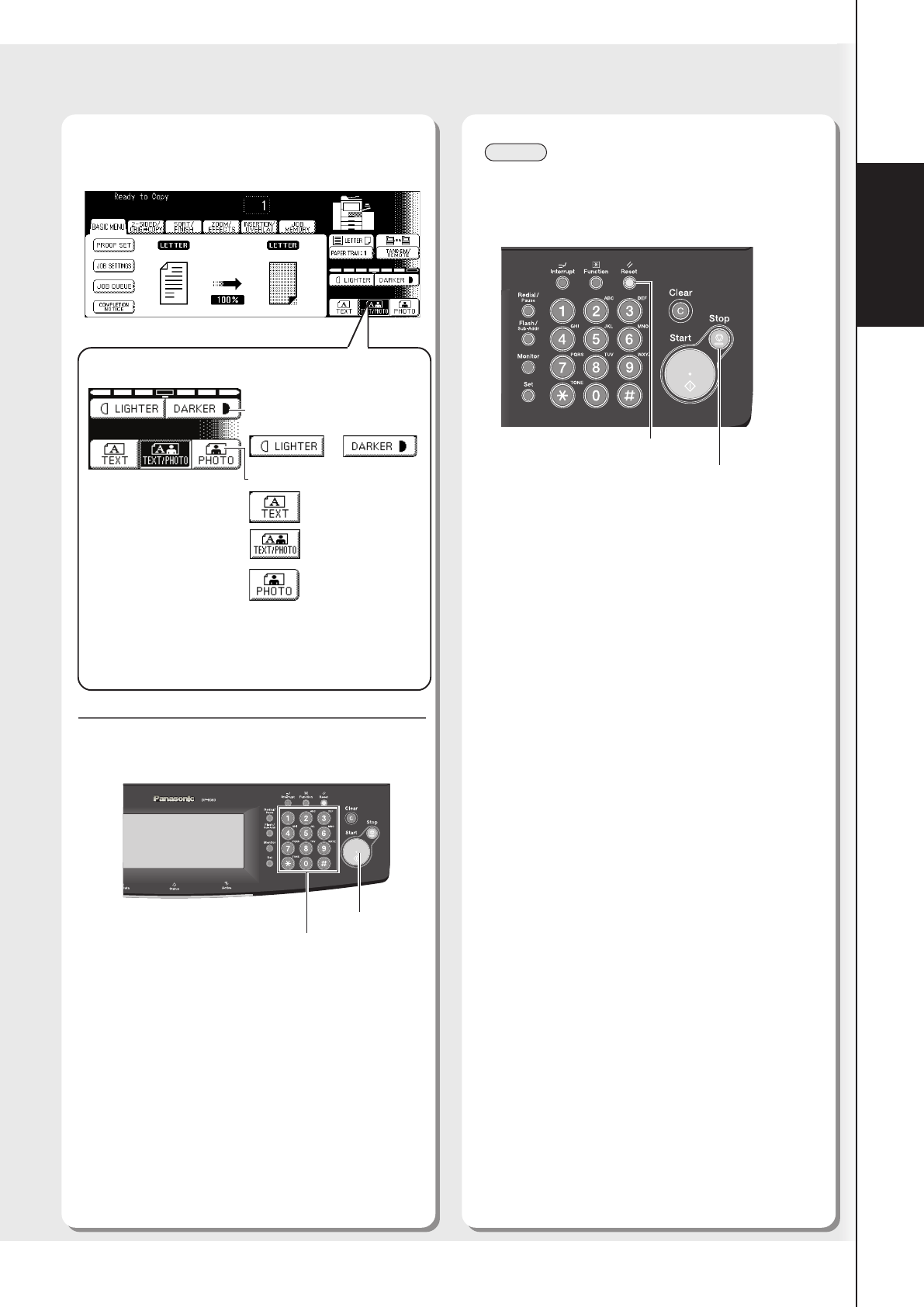
Number of copies
(Up to 999)
Select the required settings.
Enter the desired number of copies,
and then press the Start key.
Adjust the Manual
Contrast (7 levels)
or
Select type of Original(s)
Mainly Text
Text and Photo
combined
Mainly Photo
Ex: Copy Contrast and Original Mode
● Clear Key
When changing the number of copies, press
the Clear key and reenter the corrected
number of copies.
● Number of Copies
The maximum number of copies is up to 999
(3 digits with keypad).
When the optional Fax Communication Board
(DA-FG600) is installed:
During the copy mode, if you input 4-8 digit
numbers, they will be interpreted as being a
phone number and displayed on the LCD,
then the machine will switch to the Fax mode.
NOTE
● To stop the copy job, press the Stop key.
The cancellation message will appear on the
LCD. Follow the instructions on the Touch Panel
Display.
● Memory Full
If memory overflows during original scanning, the
message “Cannot Complete Job / Exceeds
Memory Capacity / Output Current Pages? 1:YES
2:NO” will be displayed on the LCD. If this occurs,
follow the instructions on the LCD. If this occurs
frequently, adding optional memory is
recommended, consult with an authorized service
provider.
● For other mode settings, refer to the Operating
Instructions (For Copy & Function Parameters)
● When clearing the copy mode settings, press
the Reset key. (See NOTE)
Start Key
Reset Key
Stop Key